
An overview of the features in the Be-Efficient WMS
Our Warehouse Management System gives you full control over your stock!
From incoming goods to outgoing deliveries, and everything in between. With our smart barcode scanning tools and well-organised stock management, you can work faster, more accurately and more efficiently. This allows you to get the most out of your warehouse processes whilst keeping a clear overview of what’s happening.
On this page, we’ll show you different ways you can utilize the Be-efficient WMS.
Basic applications
Inbound application
Outbound application
Manufacturing applications
Other applications
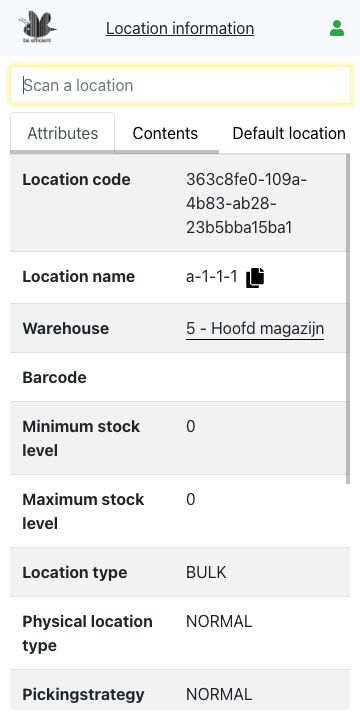
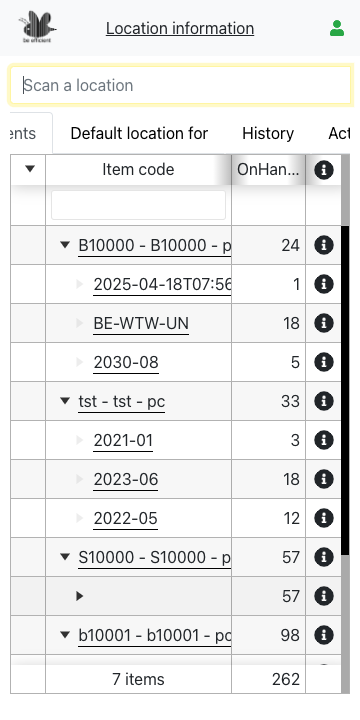
Item and Location information
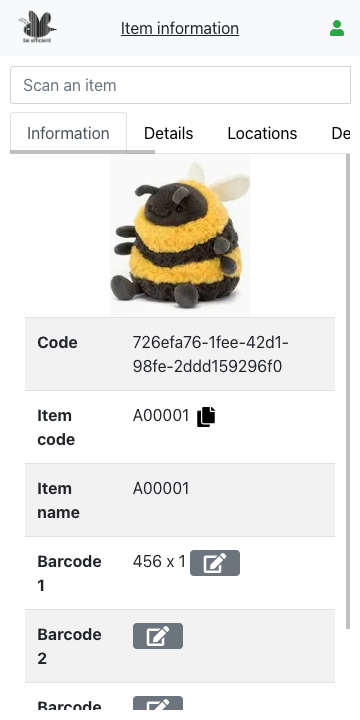
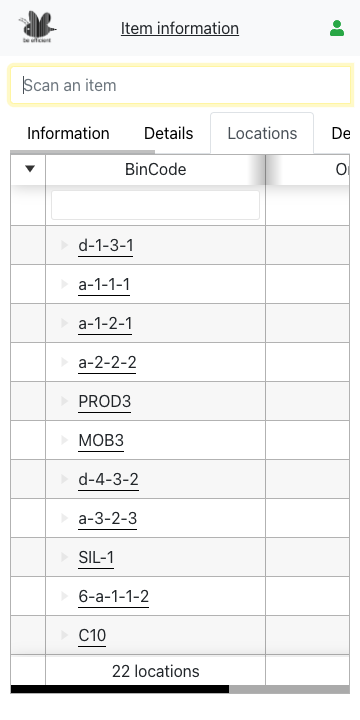
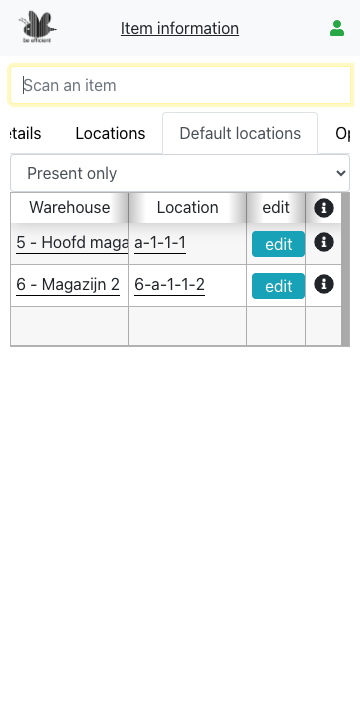
The information applications are the most common, yet frequently used applications in our software package. Using the various tabs, you can view the details of an item, its default location and all the warehouse locations where this item is stored.
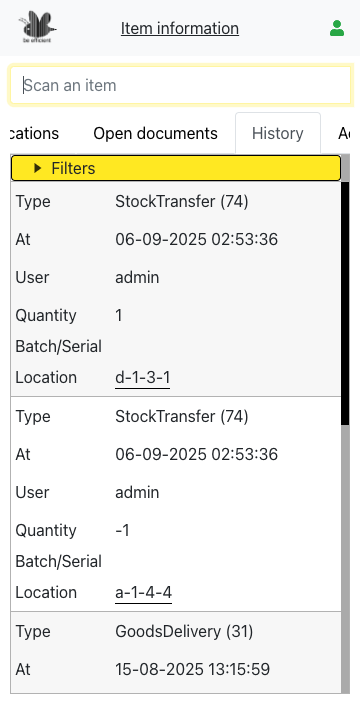
In addition, there are tabs for open sales orders and the history of movements made for this item in the last quarter.
These applications can be used by all staff, and can also be opened from any other application. Click on an item, and the information application will open.
This application is within the standard license.
Stock transfer
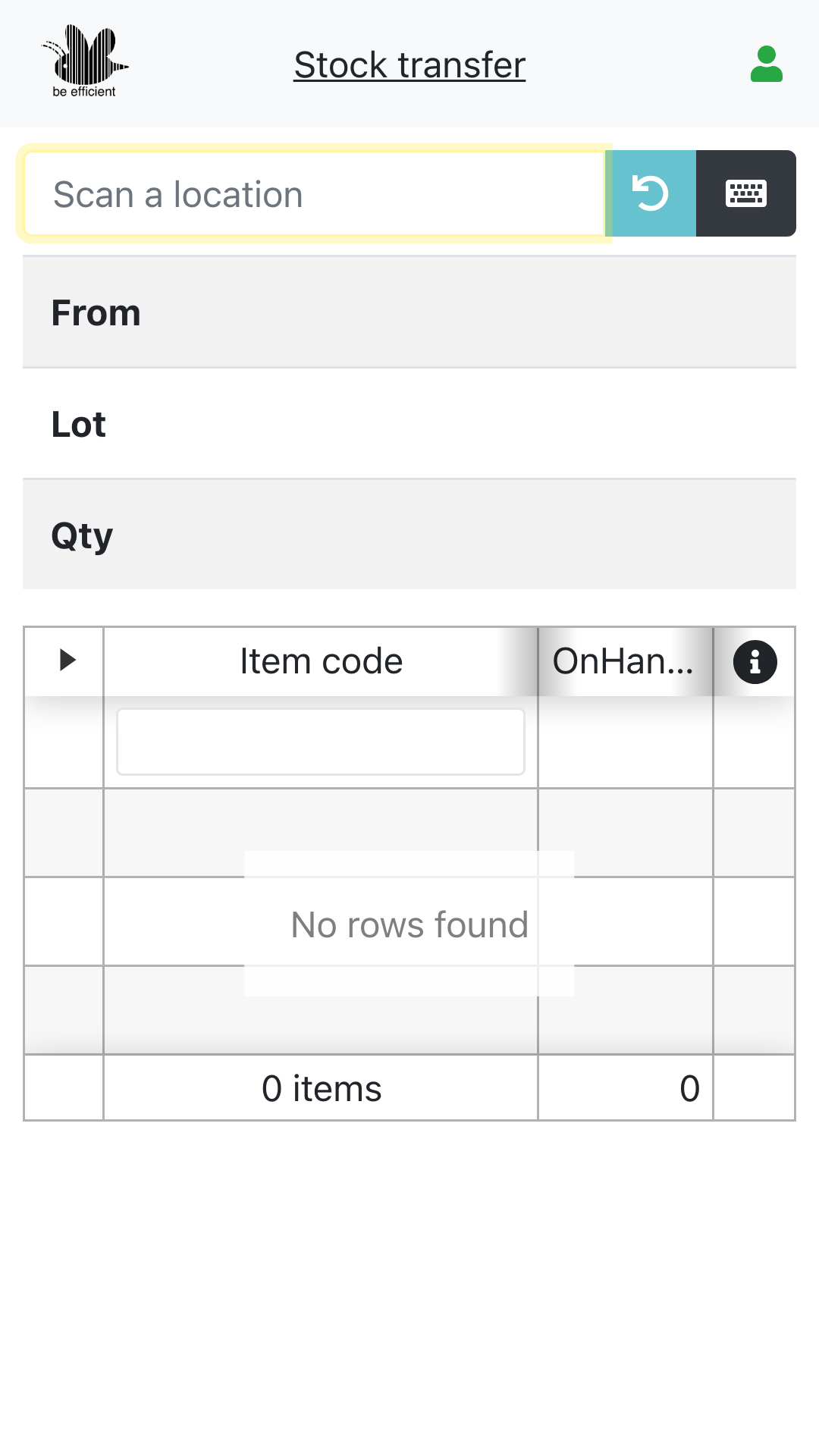
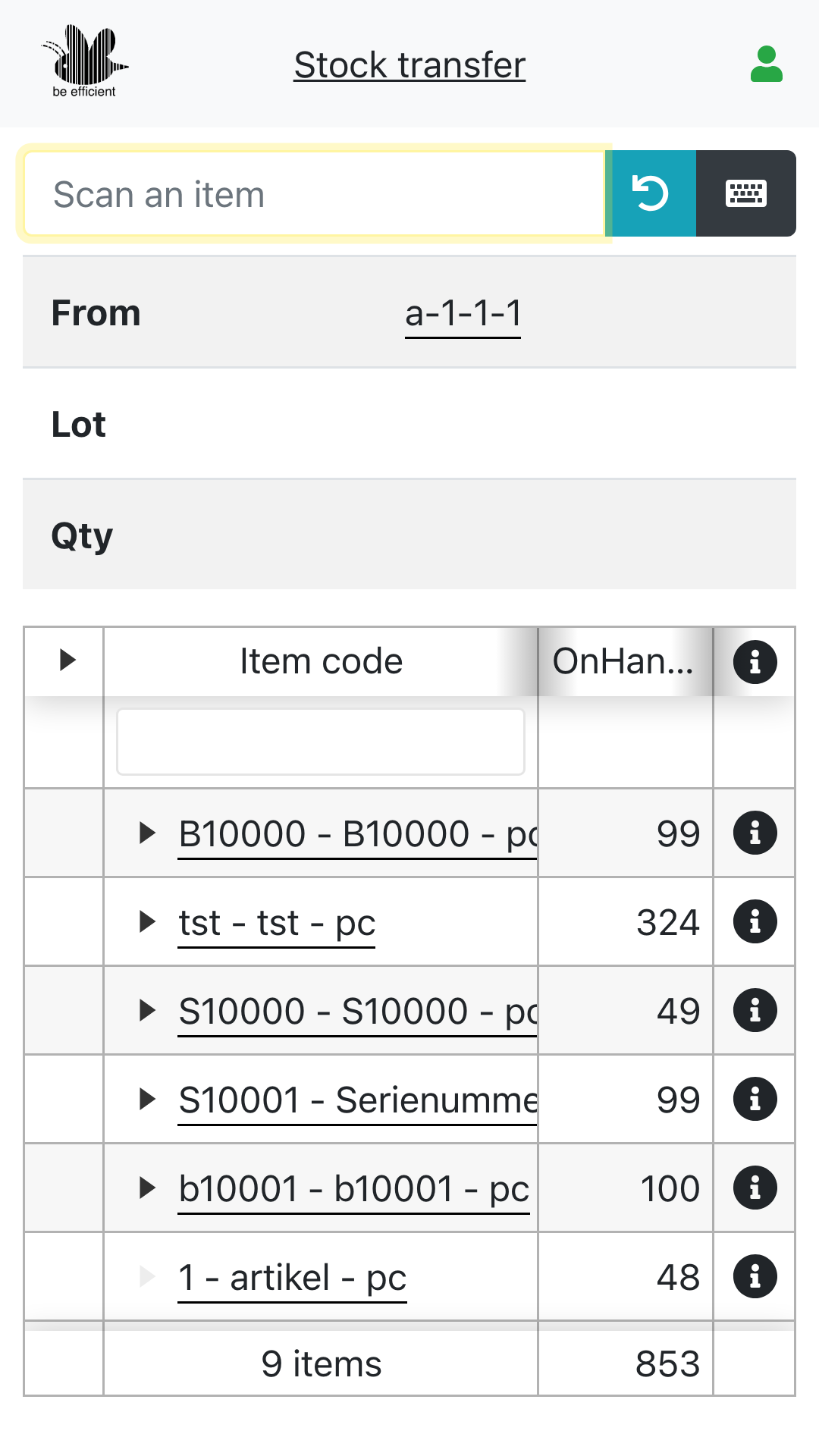
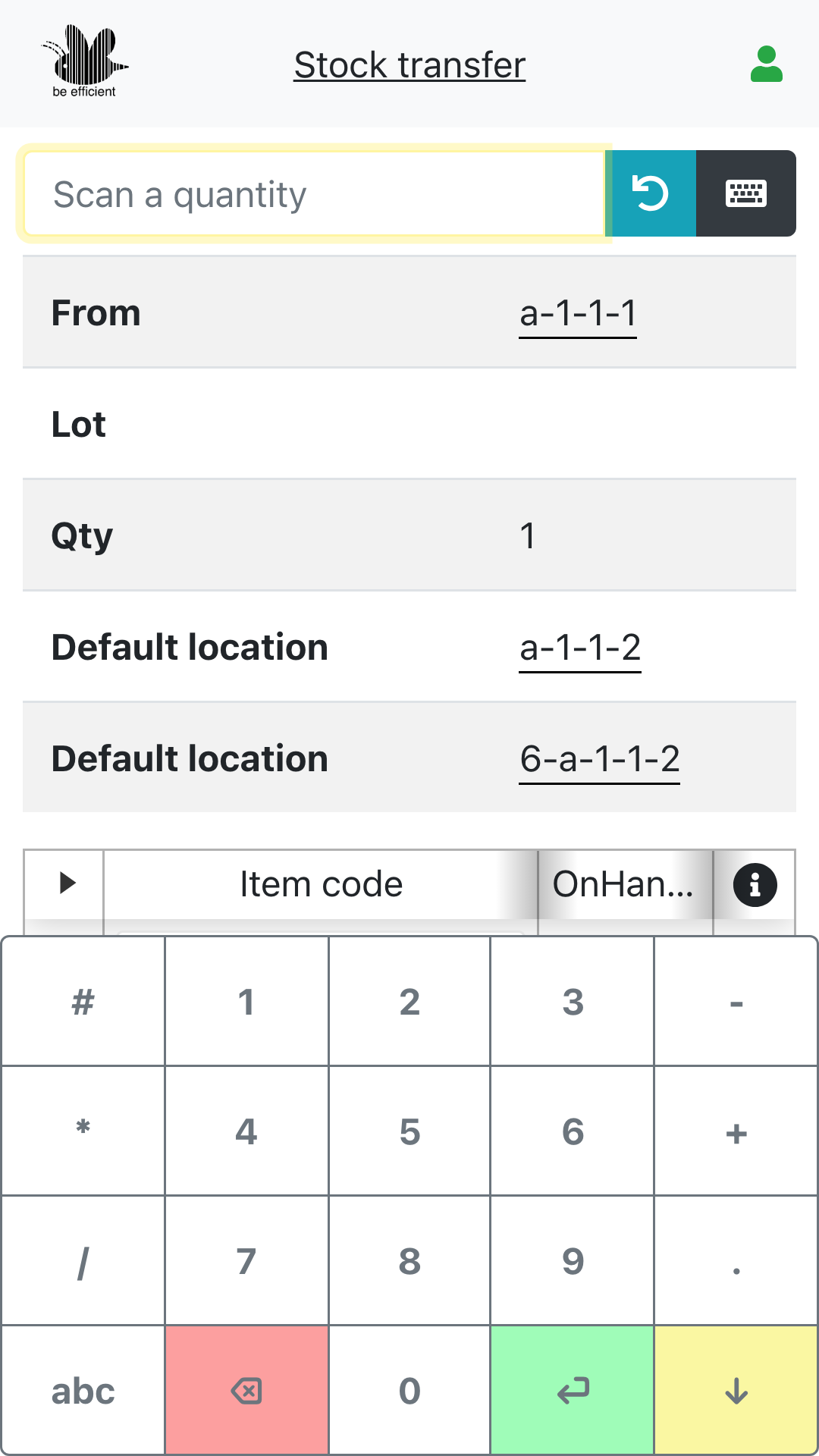
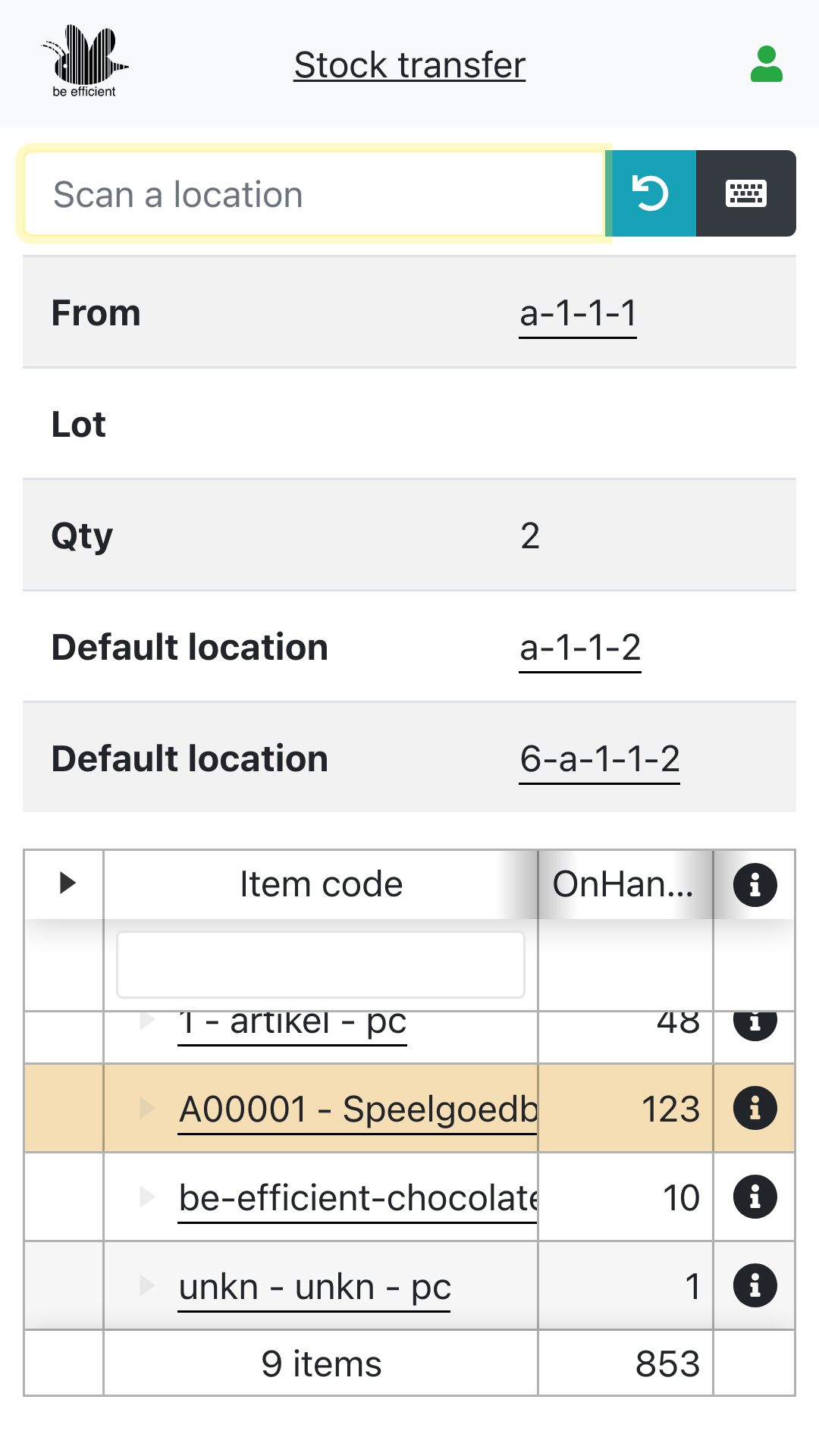
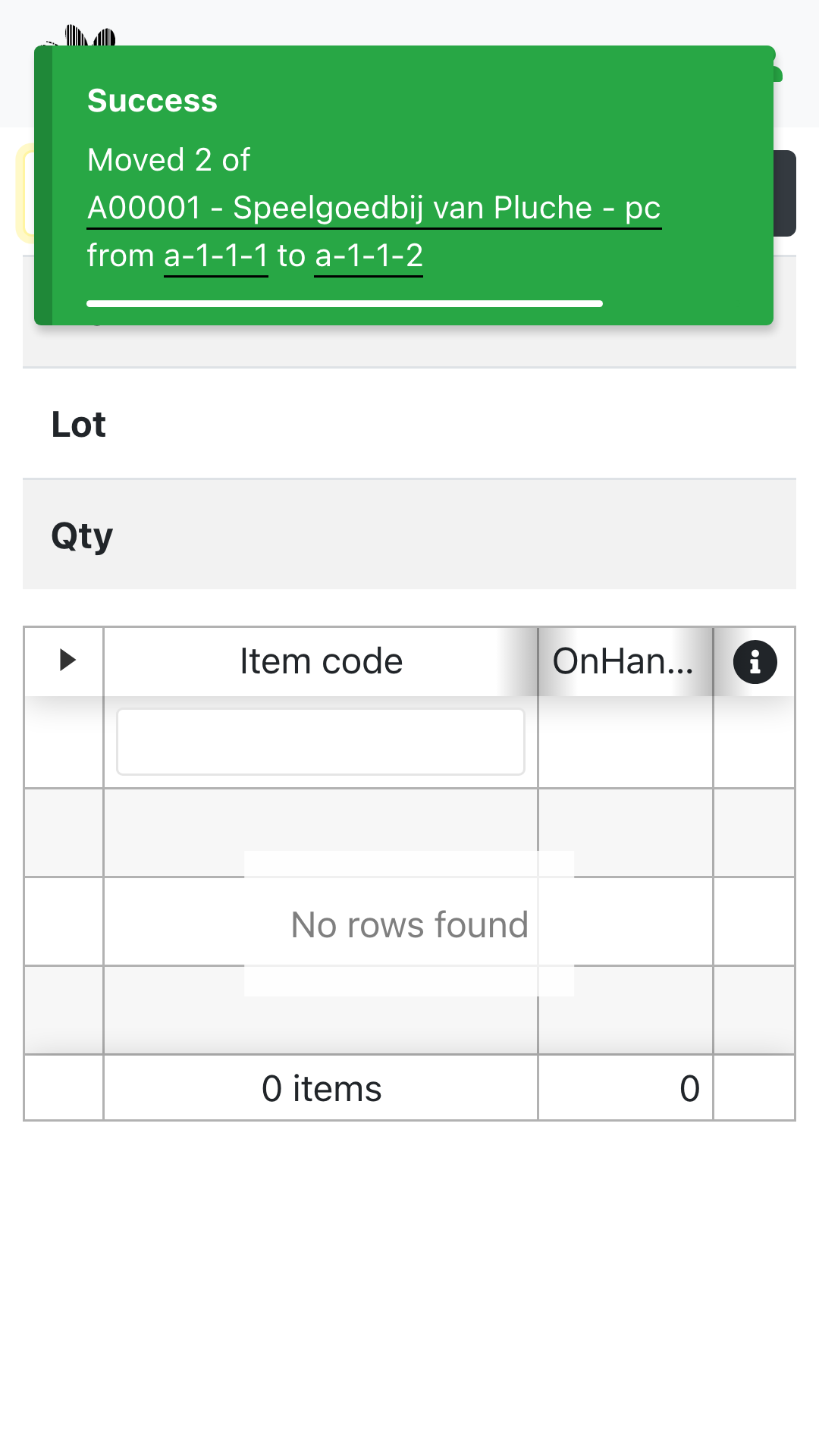
Stock transfer, sometimes referred to as spontaneous stock transfer, is a function that allows one or more units of an item to be moved from one location to another.
The transfer can take place within a warehouse, but also from one warehouse to another.
This application is within the standard license.
Location transfer
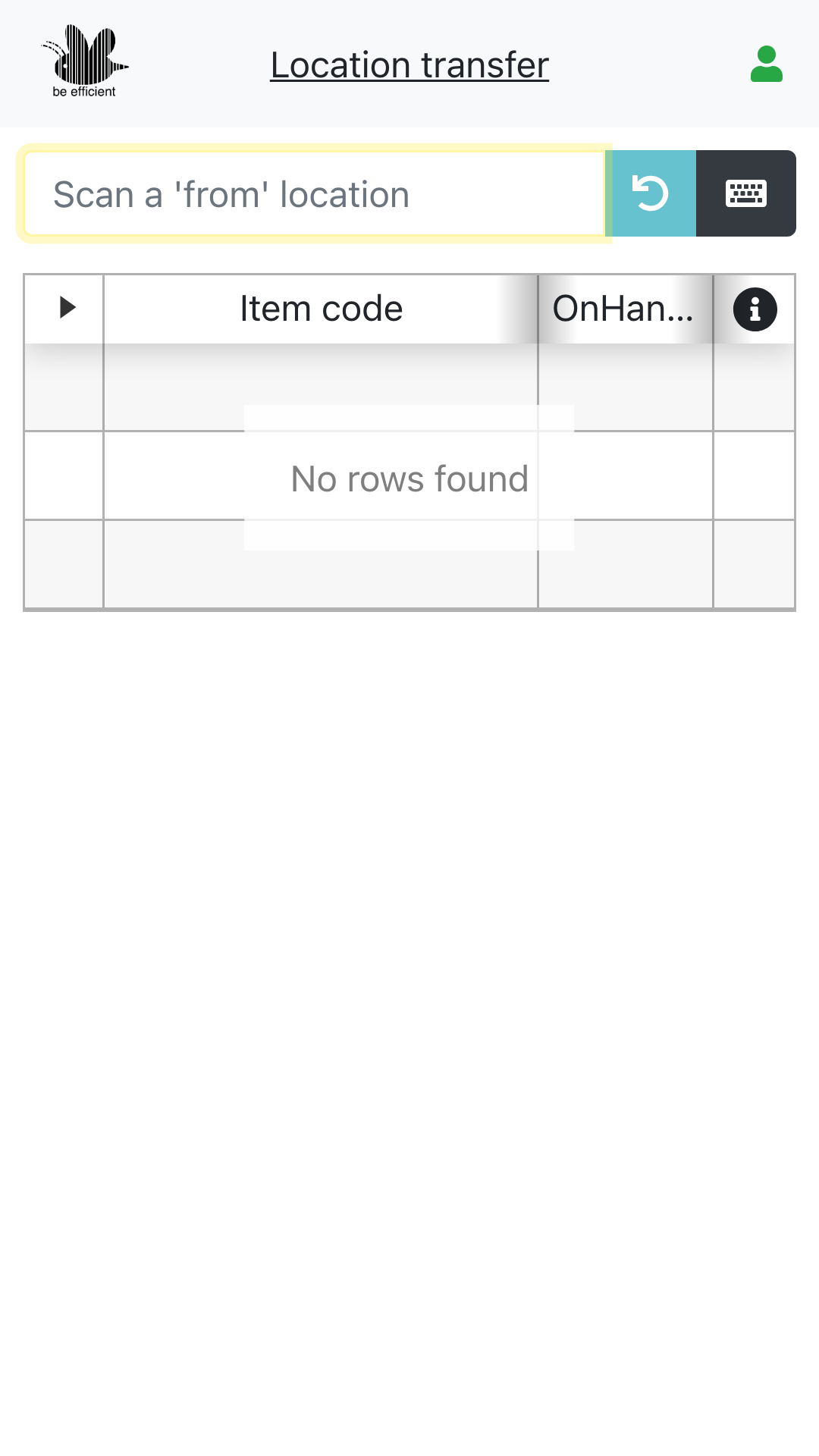
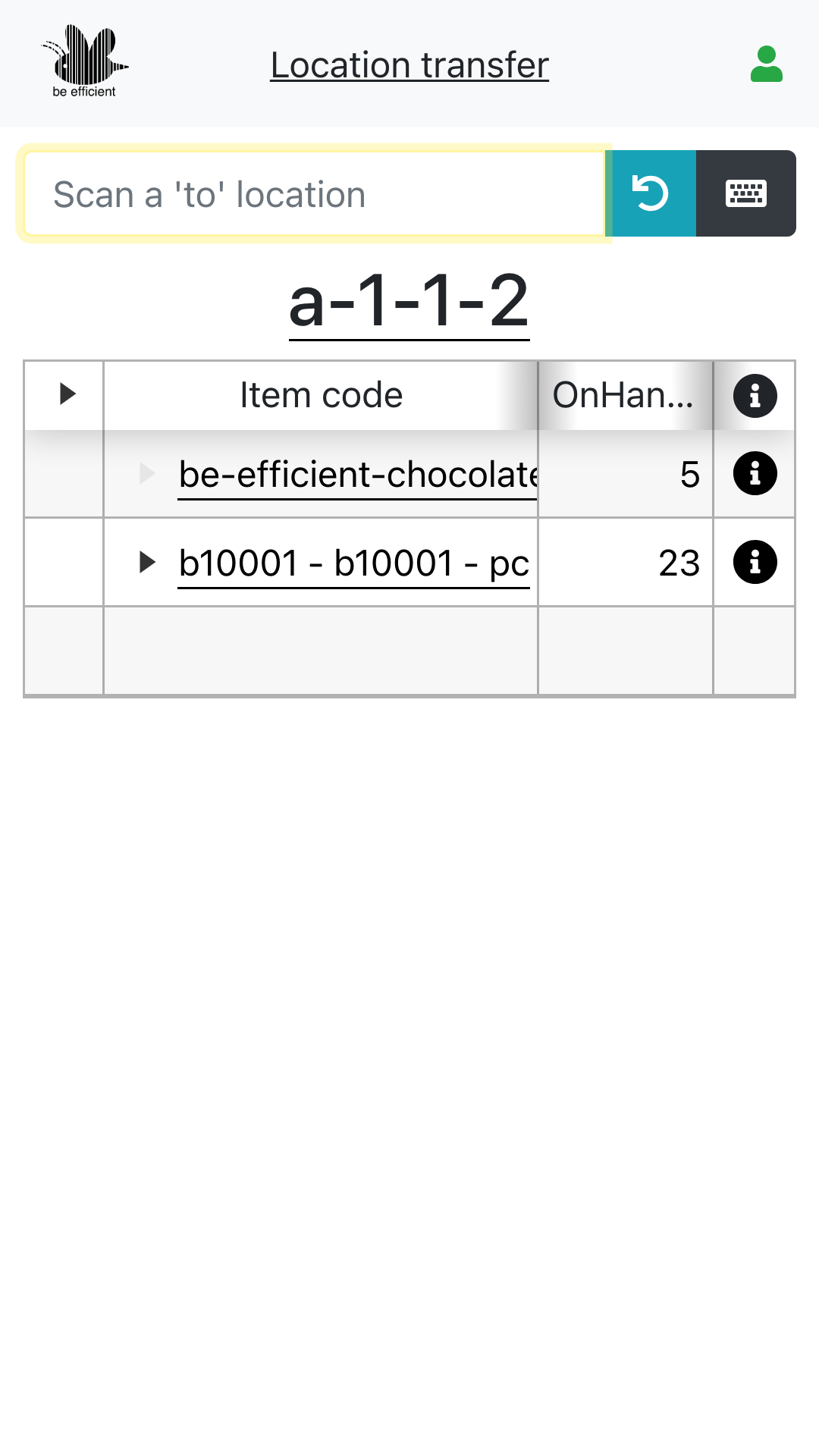
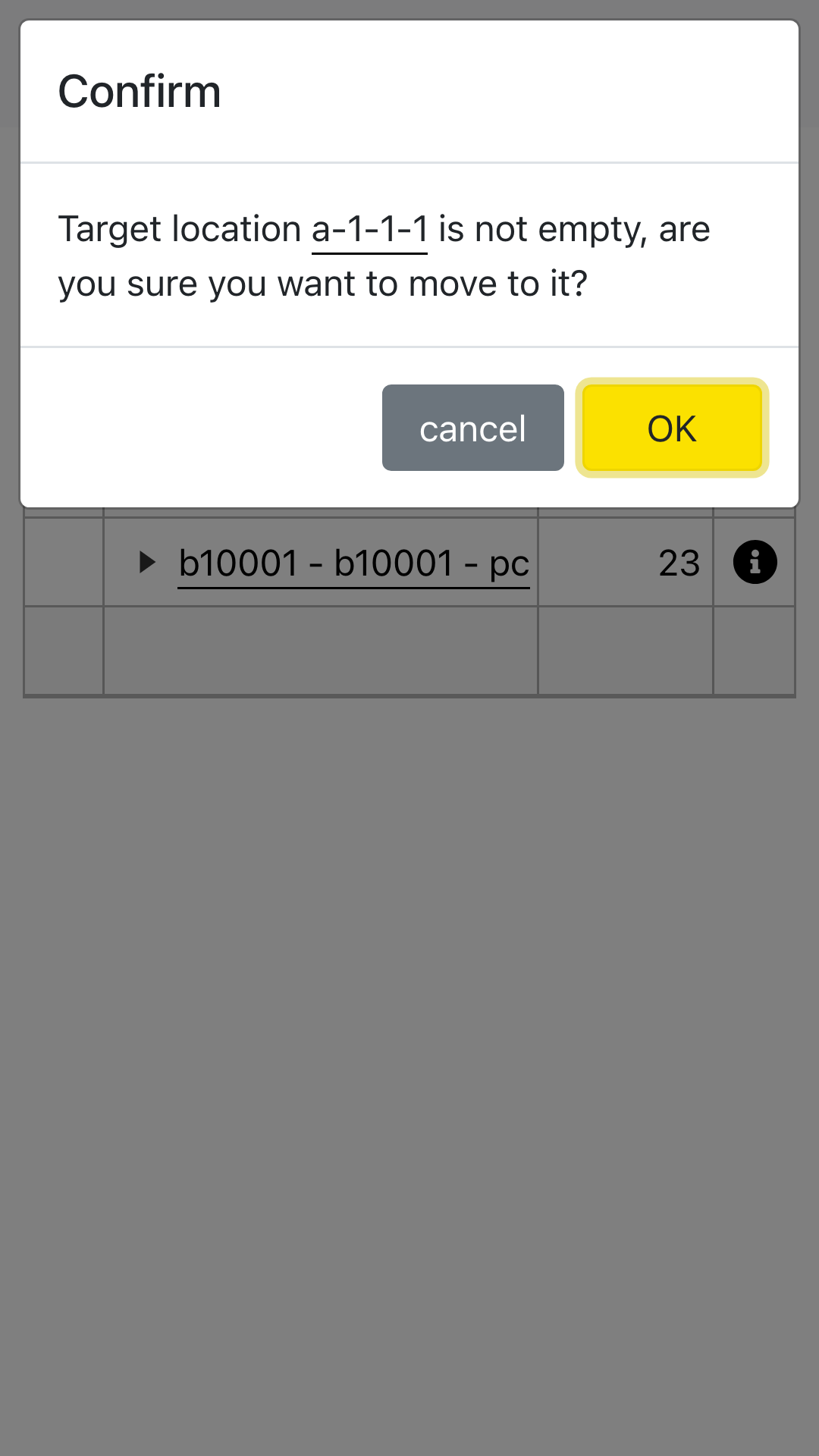
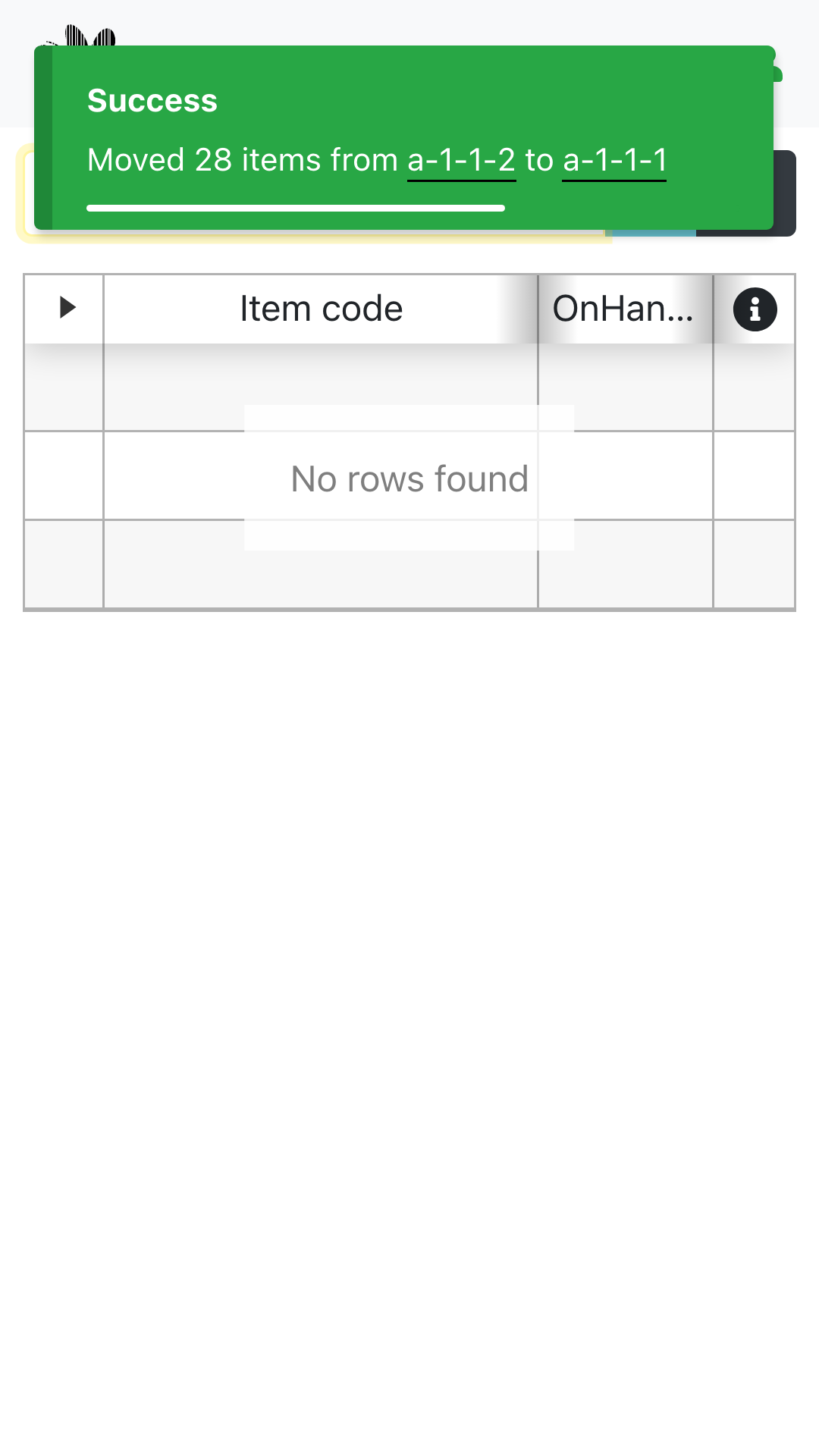
A location transfer is a specific type of stock transfer, where all items located at one location are moved to another location.
This application is mainly used by reach truck drivers when space needs to be created in the warehouse. They do this by consolidating pallets or by moving stock from one pallet to another.
The application is also used for incidental storing of stock; in case pallets that have been assembled in the receiving warehouse need to be moved to empty pallet spaces in the sales or production warehouse.
This application is within the standard license.
Replenishment
Most warehouses have two types of locations.
On the top shelves, bulk is stored, often in the original containers or pallets as they were received in.
The lower shelves are used by pickers to retrieve the products or items to satisfy the sales order.
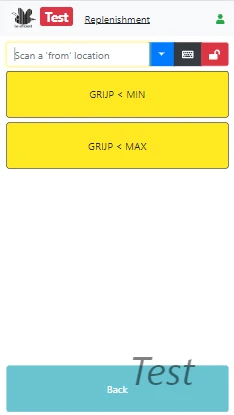
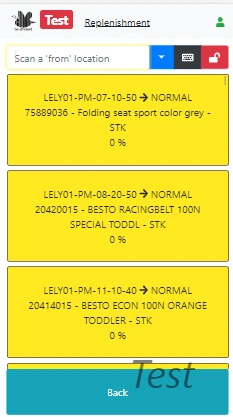
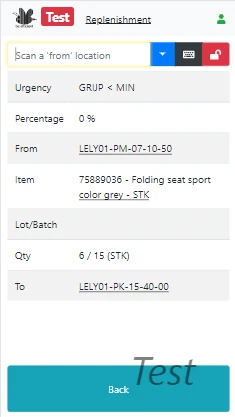
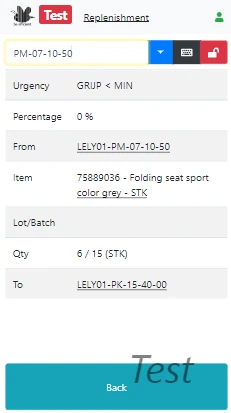
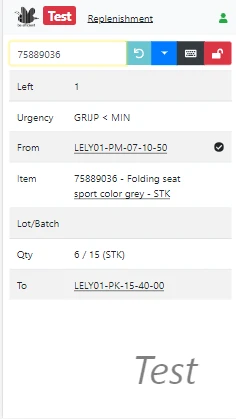
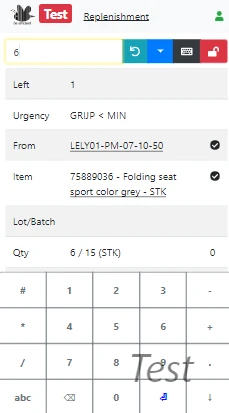
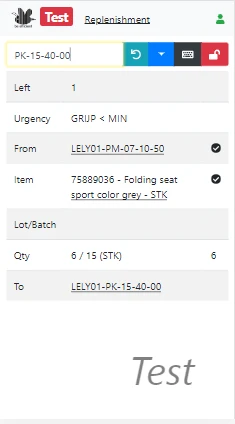
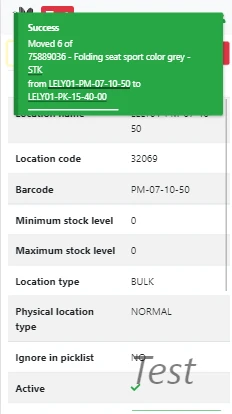
If your warehouse has both BULK and PICK locations, the replenishment application can be used to give stock transfer advice on which PICK locations are provided with stock from the BULK area. Reach truck drivers will use this application to keep the PICK locations filled.
The application differentiates between normal and urgent requests. When the PICK location is empty and a sales order is waiting for this item, the stock transfer request will pop up in the list of “urgent requests”. If the stock level in a PICK location just drops below a configurable threshold, the request pops up in the list of “normal requests”.
To configure this application according to your business rules we need one or two days on average for configuration. After configuration this application is within the standard license.
Counting
The reason you count stock is to keep the warehouse accurate.
The inventory accuracy indicates how closely inventory records in the ERP match the physical inventory.
Keeping it as high as possible prevents you from:
- accepting an order due to incorrect inventory levels of stock that physically isn’t there;
- denying an order due to an insufficient stock level in the ERP where the stock is physically available.
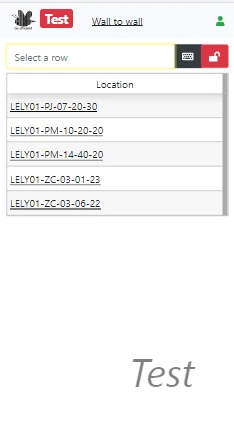
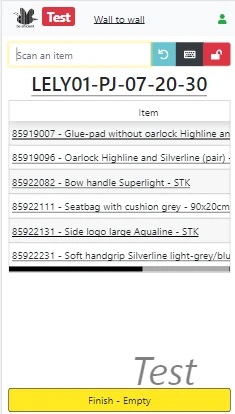
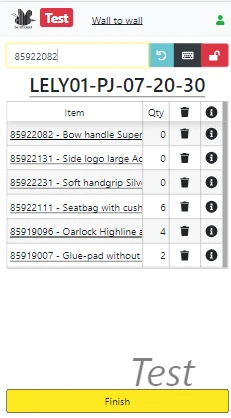
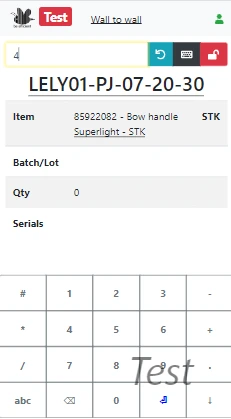
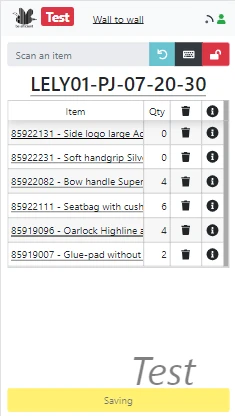
If you count your stock once a year (wall-to-wall) or multiple times a year (cycle count), our counting application will be able to support both.
During the actual counting, multiple strategies are supported. Among which are single blind counting and double blind counting.
In the wall-to-wall mode, your staff is supported by visual graphs representing the progress in the counting process.
This application is within the standard license.
Receiving stock
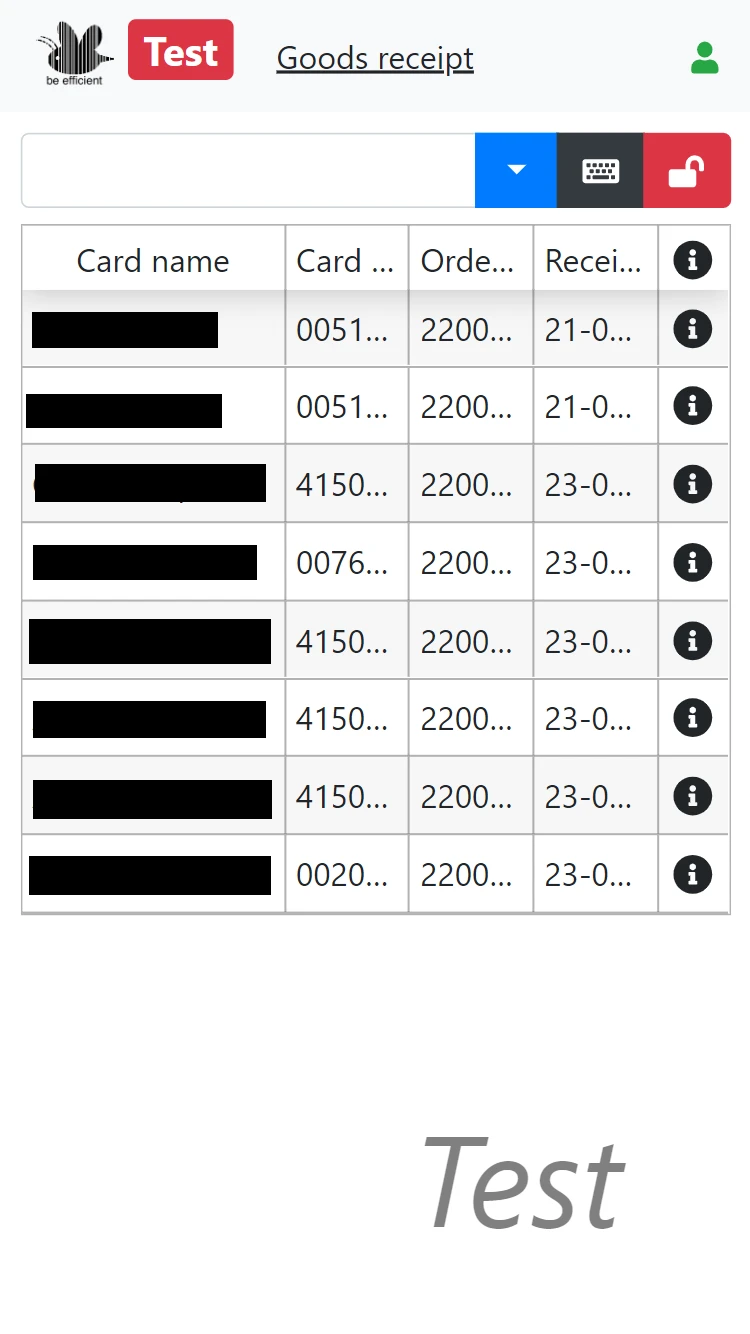
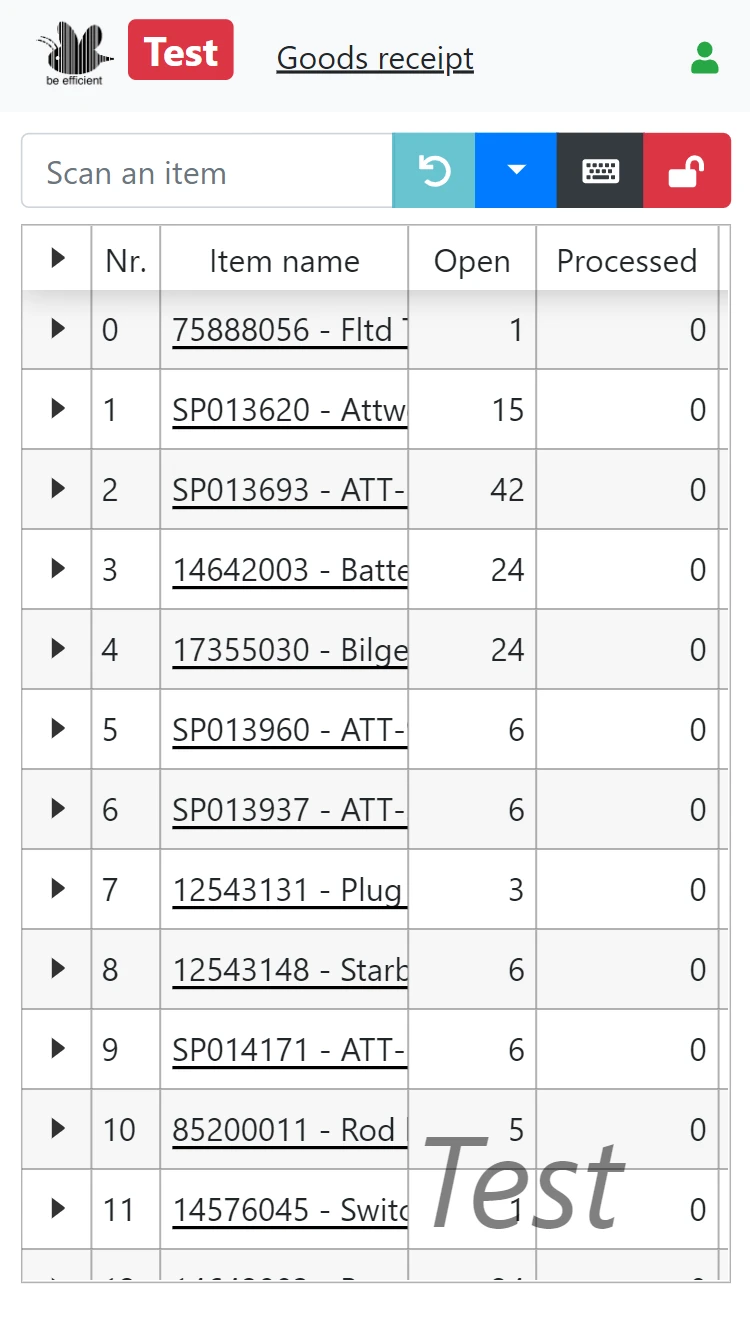
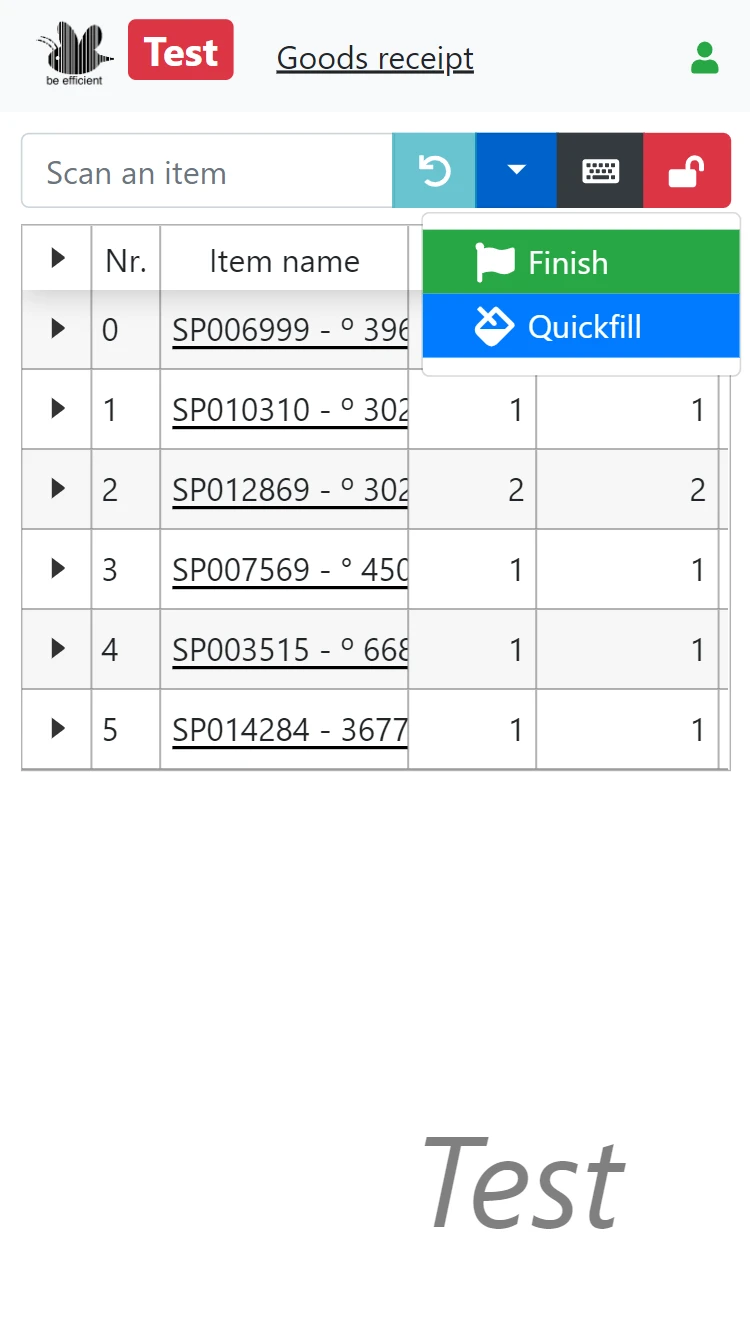
The stock receiving application will assist the receiving department in handling and managing the incoming shipments.
The application follows the rule that nothing is received without a matching purchase order.
Depending on the mode, it will show concept incoming shipments. Or it will show the list of open purchase orders from which different lines can be selected to match the incoming goods.
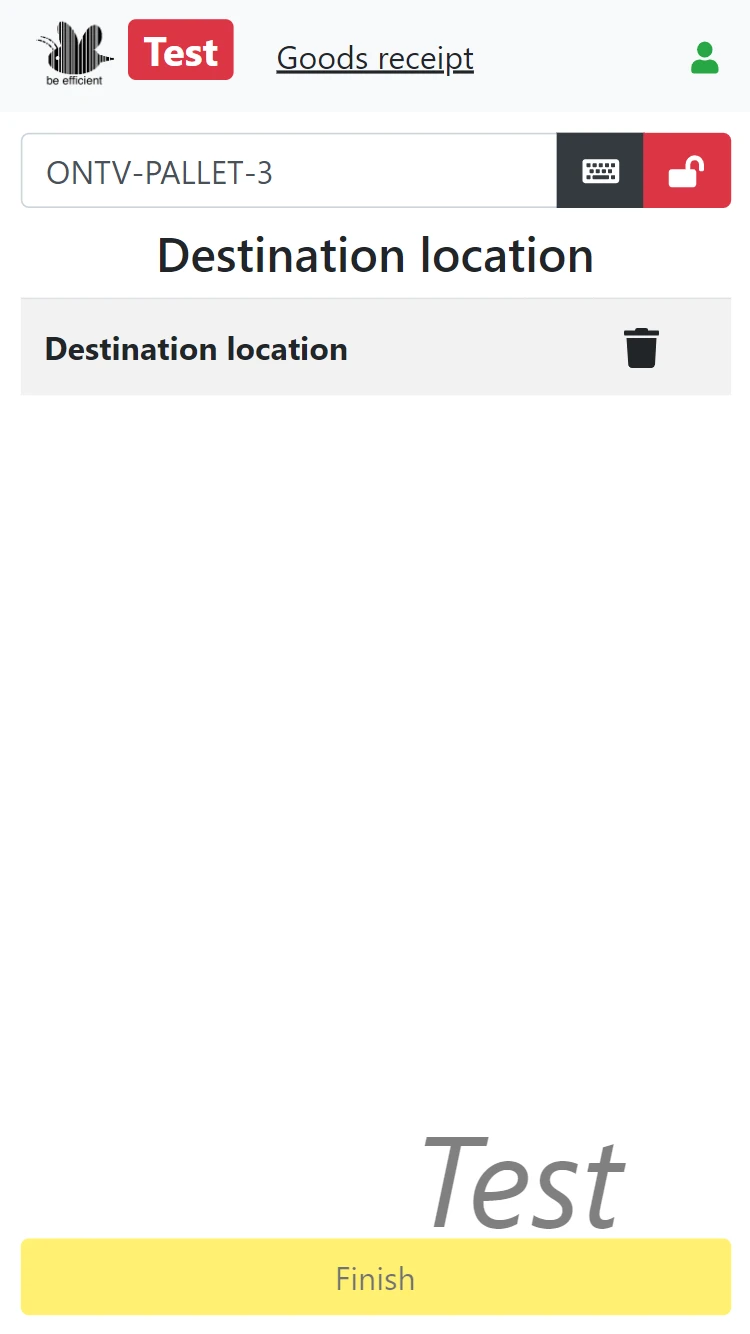
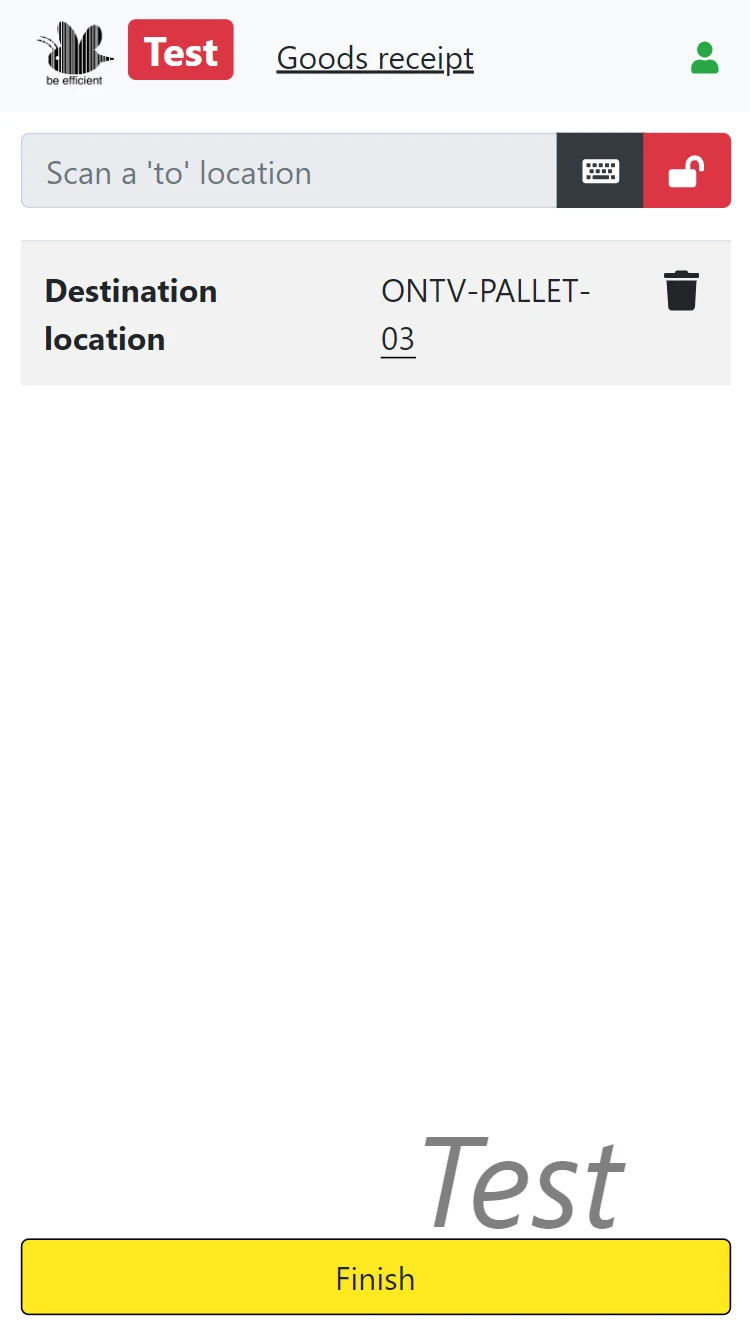
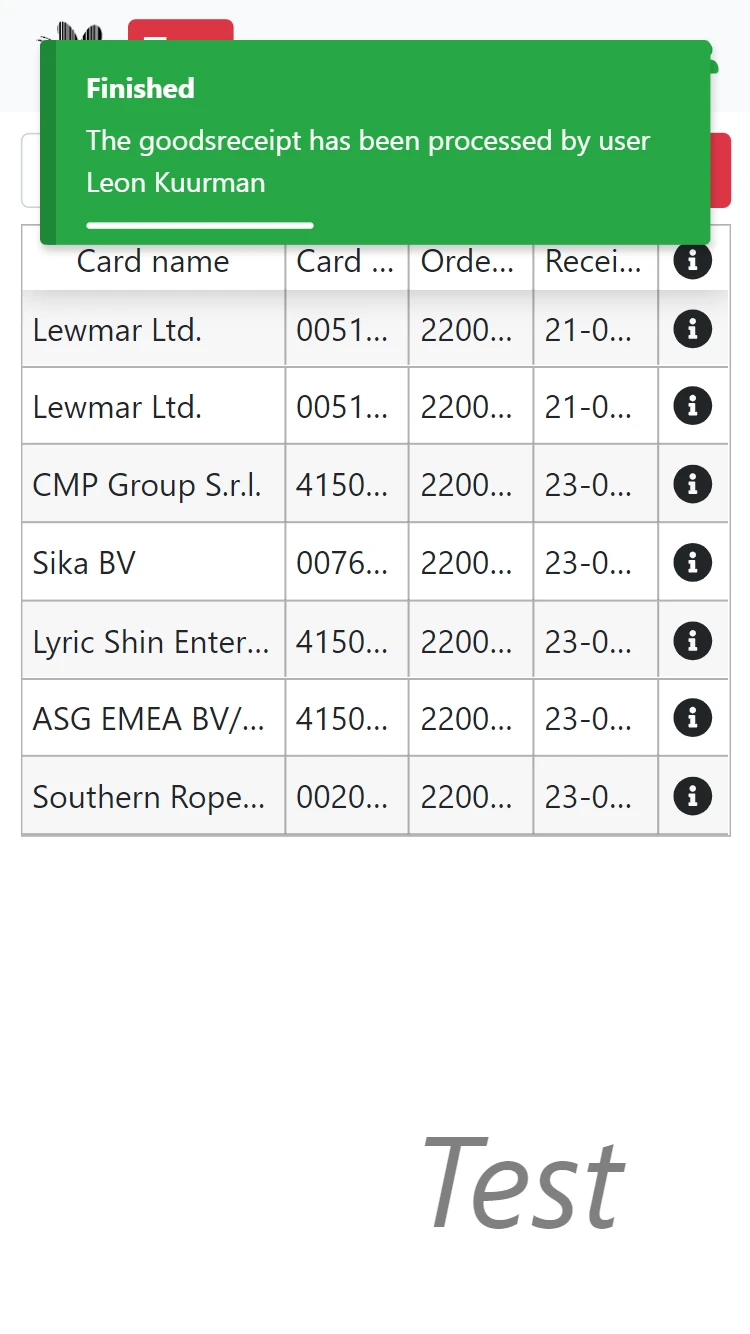
Stock must be received on a single location. They will be checked for quality and completeness in the stock sorting application.
This application is within the standard license.
Sorting stock
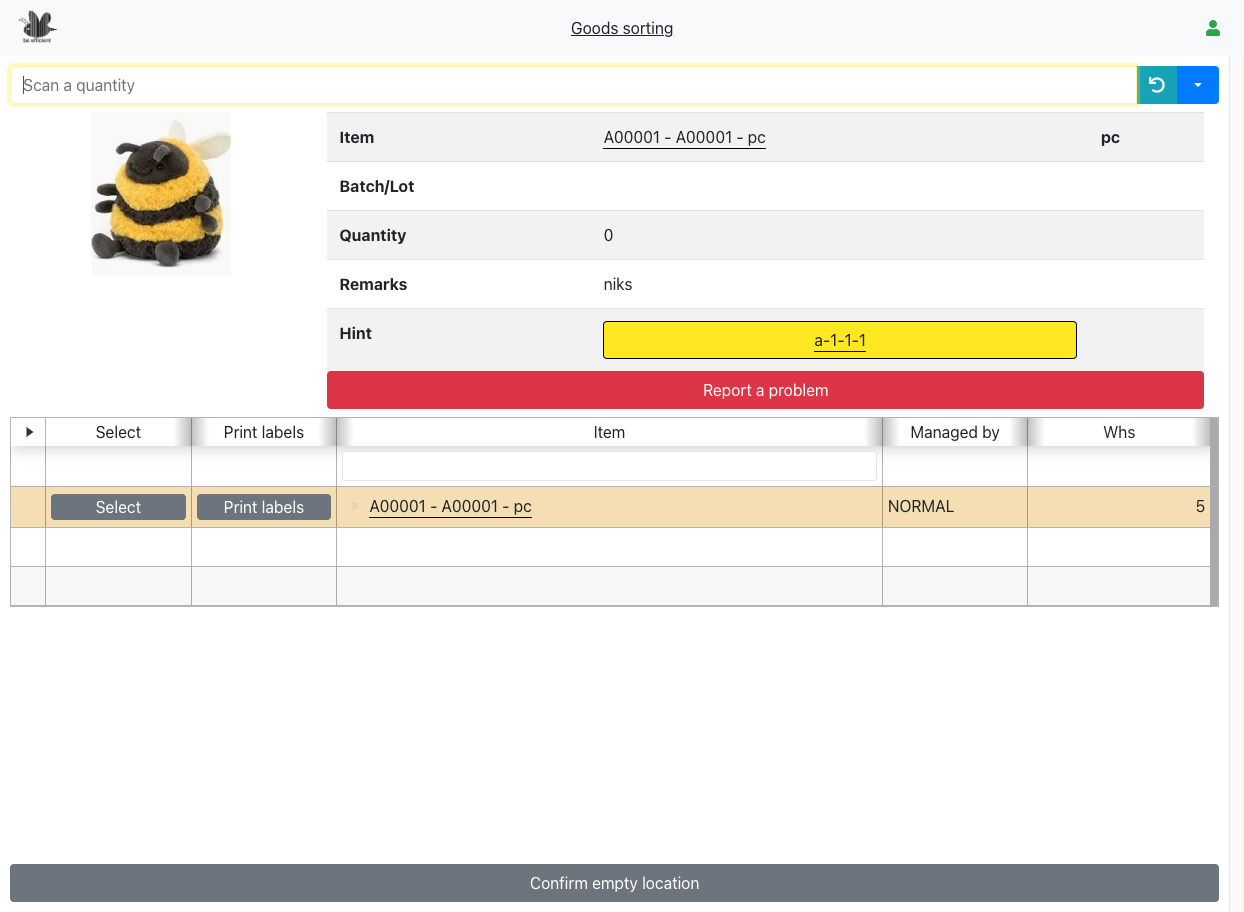
Stock received by the stock receiving application must be checked on quality and completeness. The stock sorting application can assist you with this task.
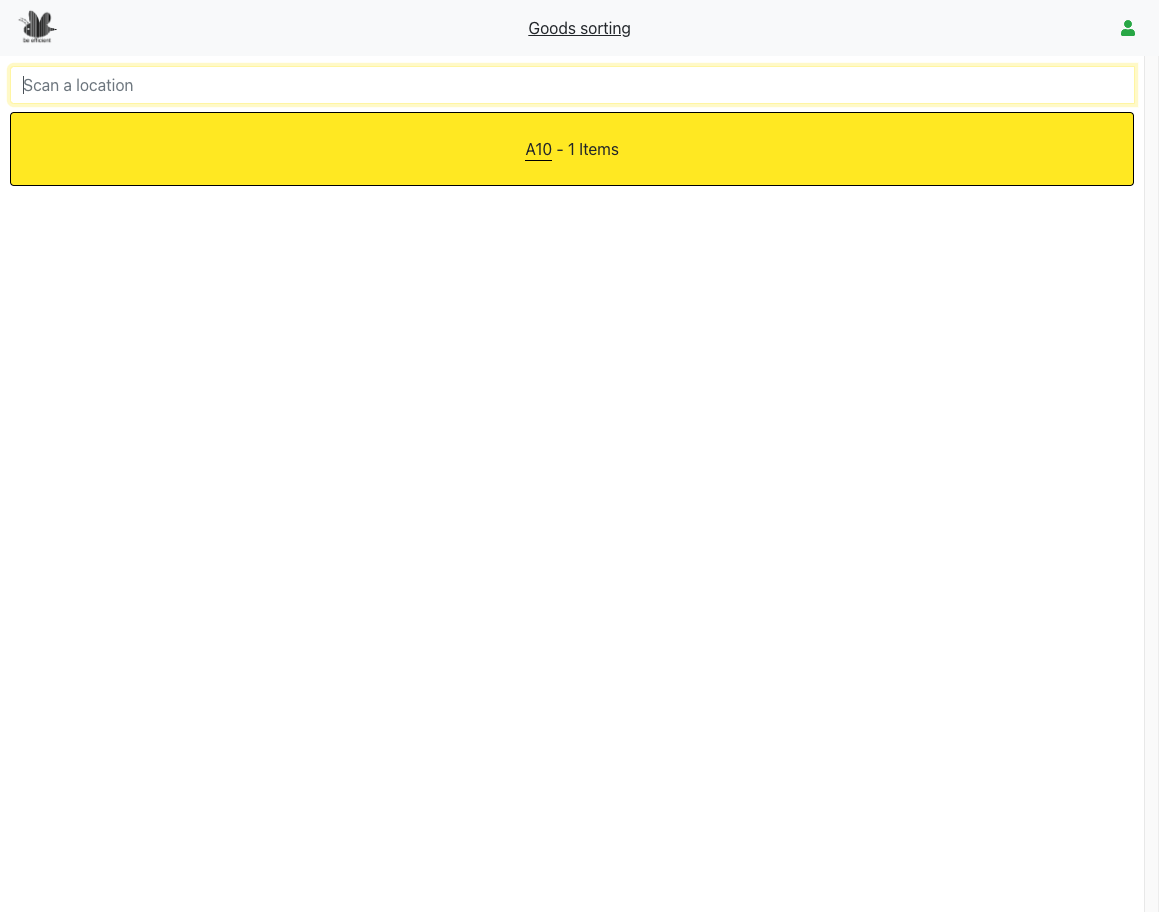
The application starts by scanning the location at which a shipment has been received.
The contents of the shipment are shown on screen, with indications if the stock must be stored in BULK, PICK or if extra handling for the item (relabeling, repacking) is necessary.
If a sales order is waiting on stock then the line is highlighted so it can be handled with priority. The advice can be ignored. Stock may always be placed in BULK but if a sales order is waiting on it. The item will pop up in the replenishment application as soon as the stock is stored in the BULK location.
If the pallet is empty, but there are still rows to process, then too little stock is received and the purchasing department should be informed of the missing stock. If the screen is empty and the pallet is not, too much is received and again the purchasing department should be informed.
Configuring this application according to your business rules takes one or two days for configuration, after configuration, this application is within the standard license.
Stock storage
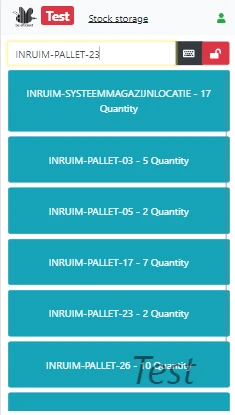
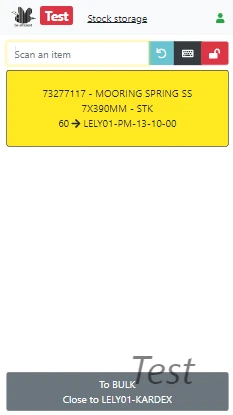
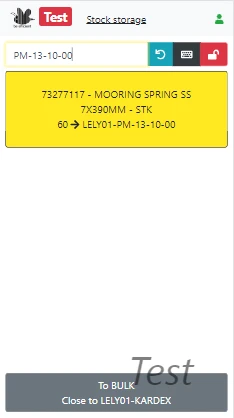
When pallets in the receiving area are checked as ready for storing, a reachtruck driver gets a notification that pallets can be placed in sales or production warehouse(s).
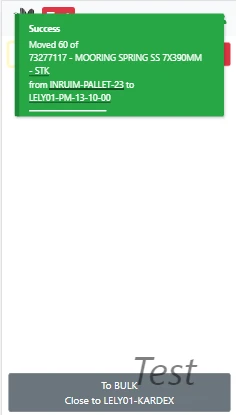
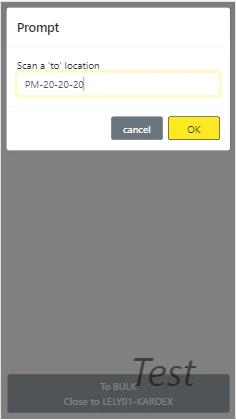
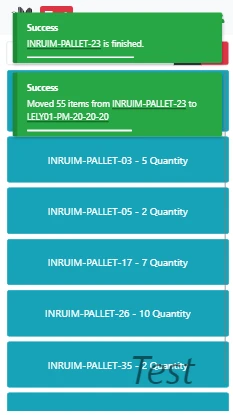
The reachtruck driver will pick up the pallets and drive to the BULK area. The application will instruct him to place the goods in a BULK location as close as possible to the picking location of the items on the pallet.
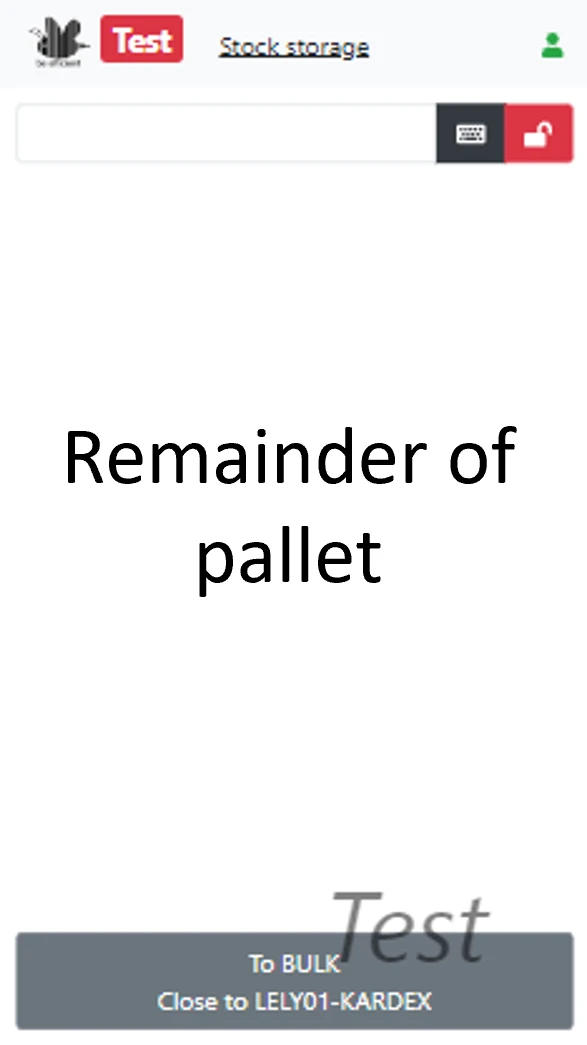
The application will avoid unnecessary movements. In case items on the pallets are subject to replenishment, the application will indicate which and how many of the items on the pallet should first be stored in the picking area before the rest of the pallet can be stored in BULK.
This application is within the standard license.
Production planner
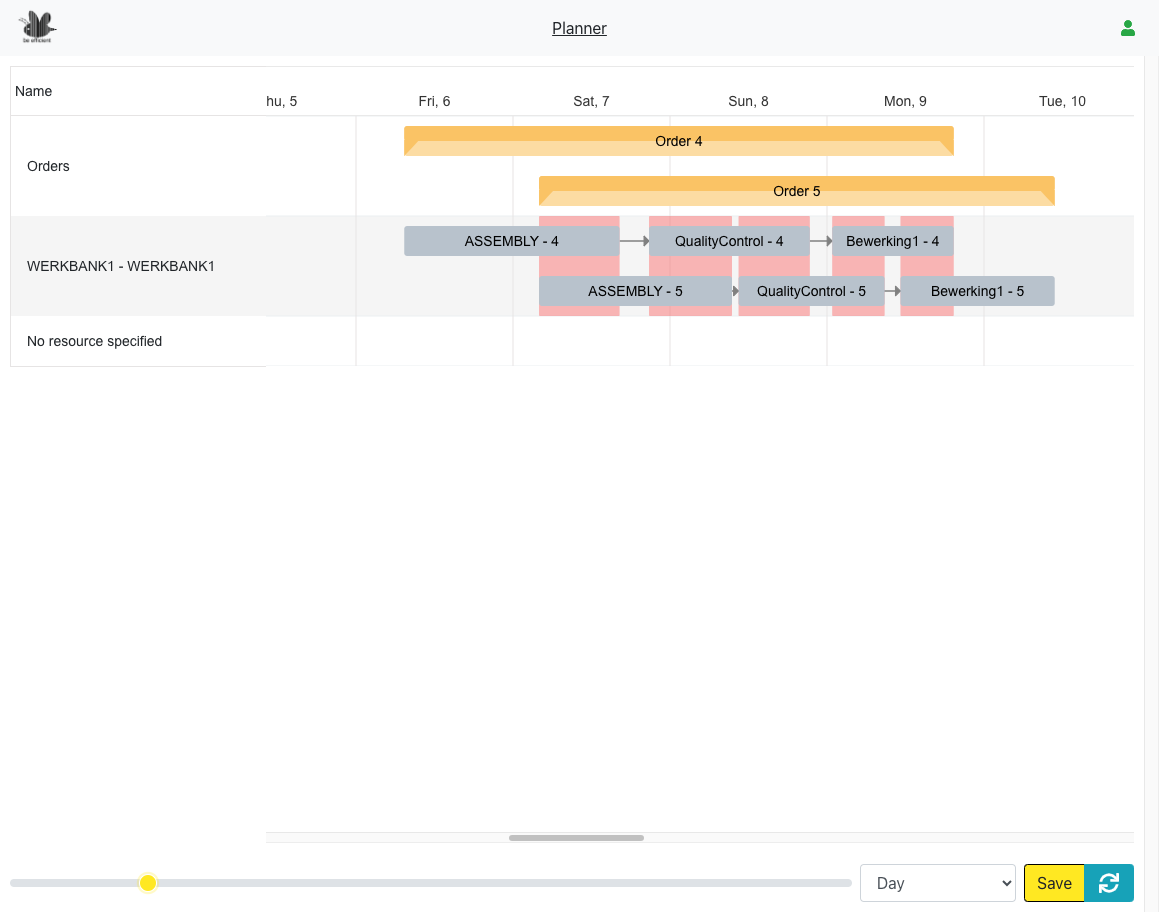
Take control of your production schedule with a clear, visual overview of every planned order. Our app shows every step on an interactive timeline, so you can easily drag and drop tasks to adjust priorities, balance workloads, and adapt to changes on the fly.
Built-in resource clash detection highlights conflicts before they become bottlenecks. Giving you the insight to resolve issues proactively. With a simple, intuitive interface, you’ll keep your production running smoothly, maximize efficiency and stay ahead of disruptions.
Production material issue
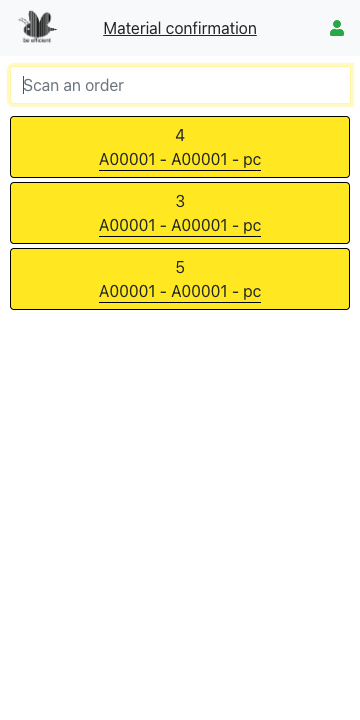
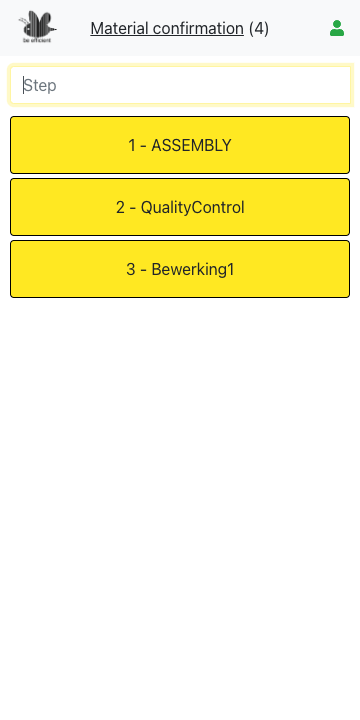
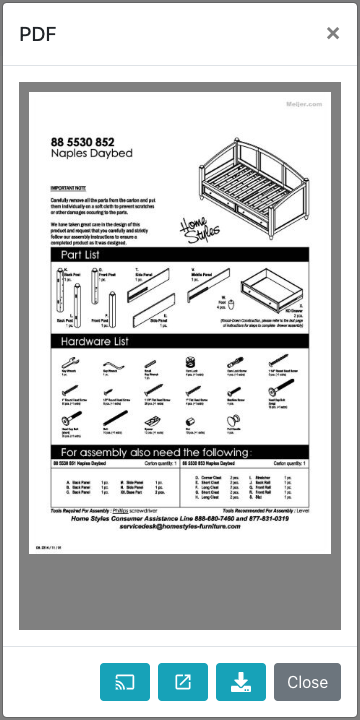
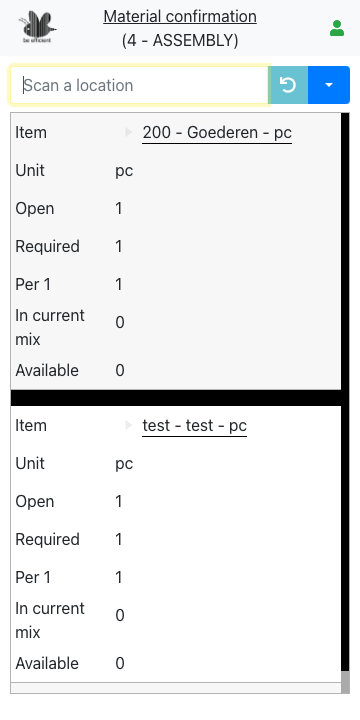
Streamline your shop floor operations with our production guidance app. For every step in the process, it clearly shows which materials are required. It ensures nothing is missed and reduces costly errors.
When detailed instructions are available, the app automatically provides a configured PDF with step-by-step guidance—so your team always knows exactly what to do, when, and how to do it. With everything centralized in one easy-to-use interface, you’ll boost efficiency, improve quality, and keep production moving smoothly.
Production confirmation
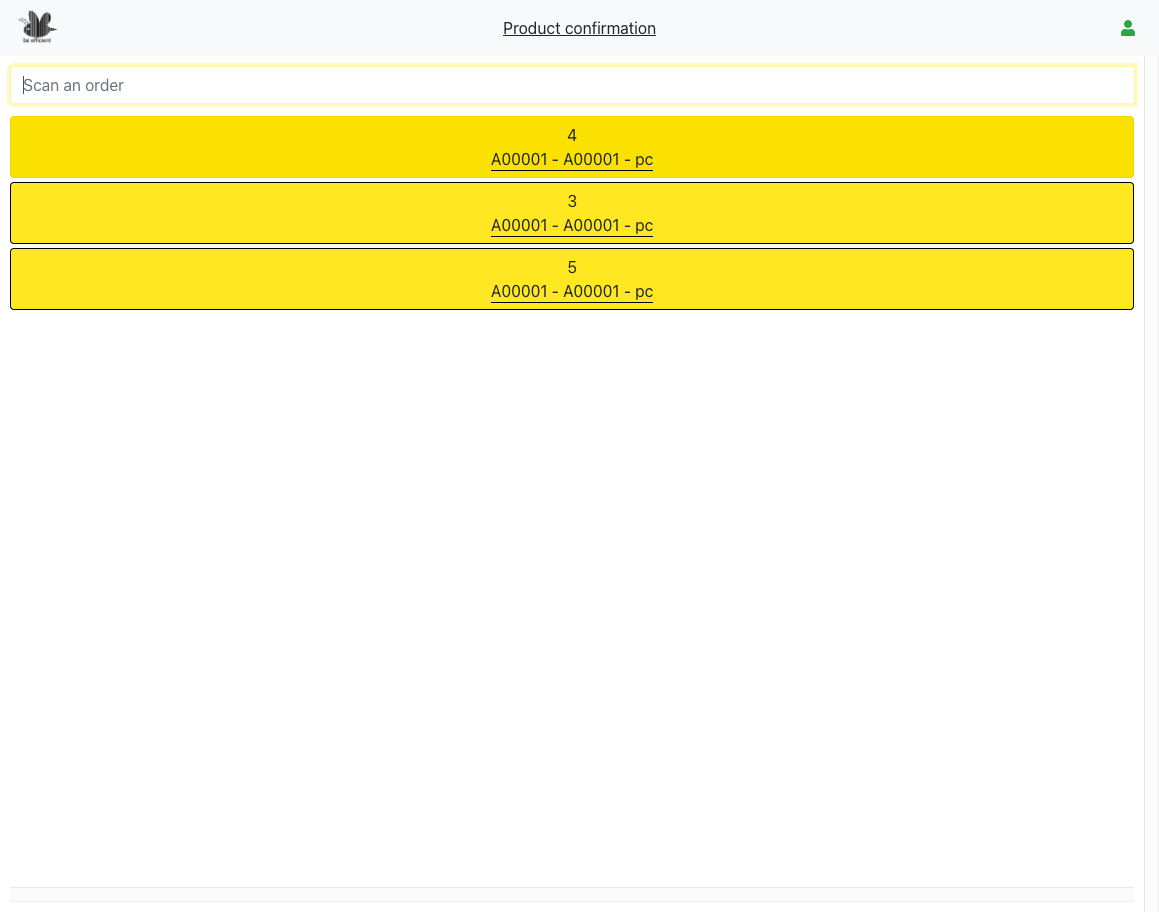
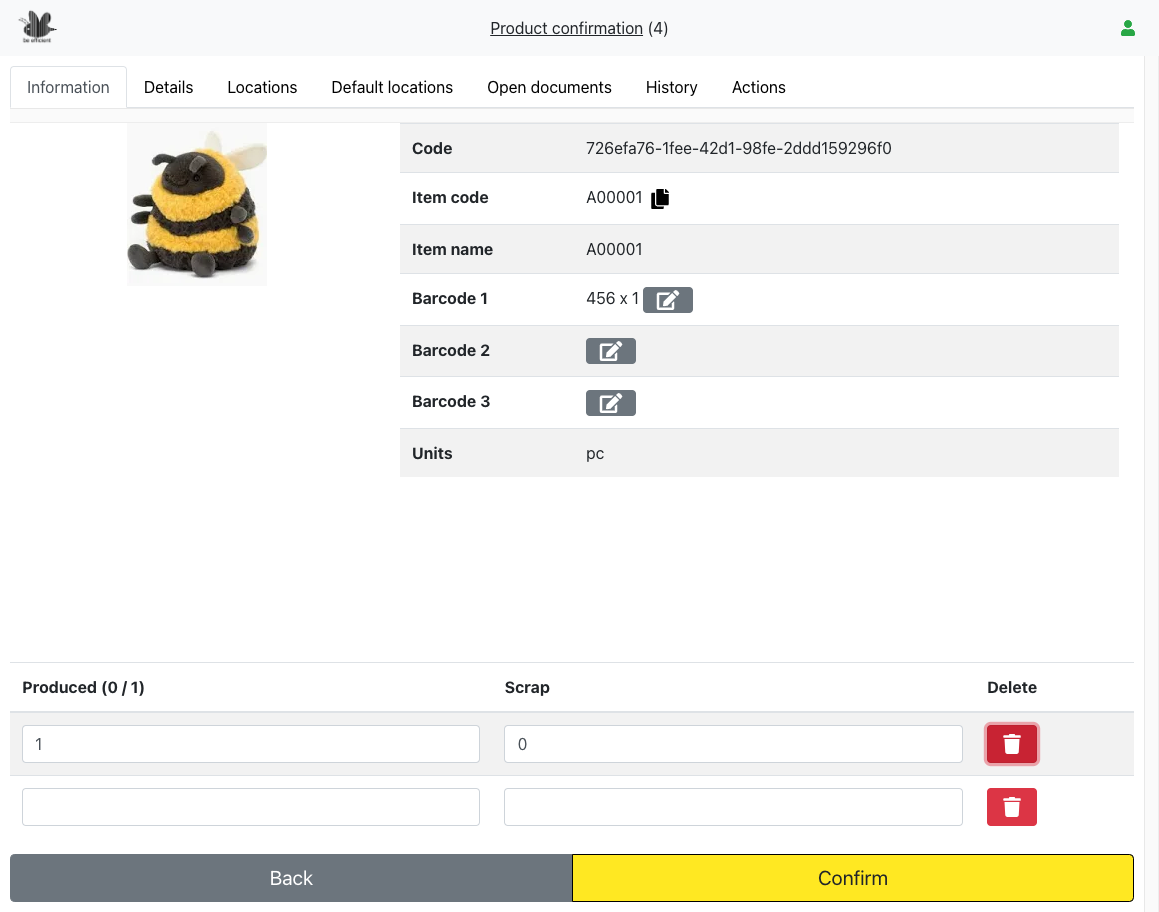
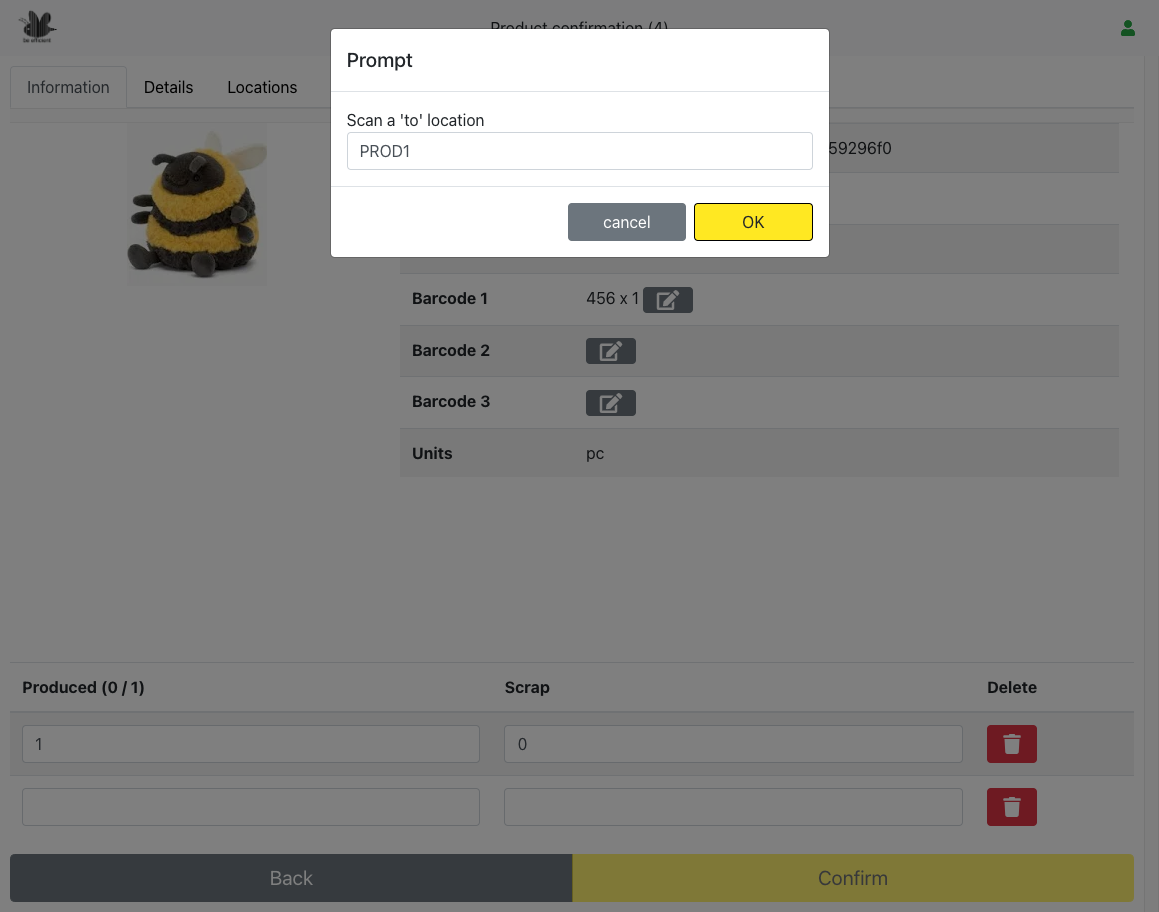
Streamline your production tracking with the production confirmation. The app lets you print confirmation documents directly, providing a clear, professional record of each production run.
With an intuitive interface and real-time updates, the Production Confirmation App ensures smooth operations, reduces errors, and keeps your production process fully documented and under control.
Address validation
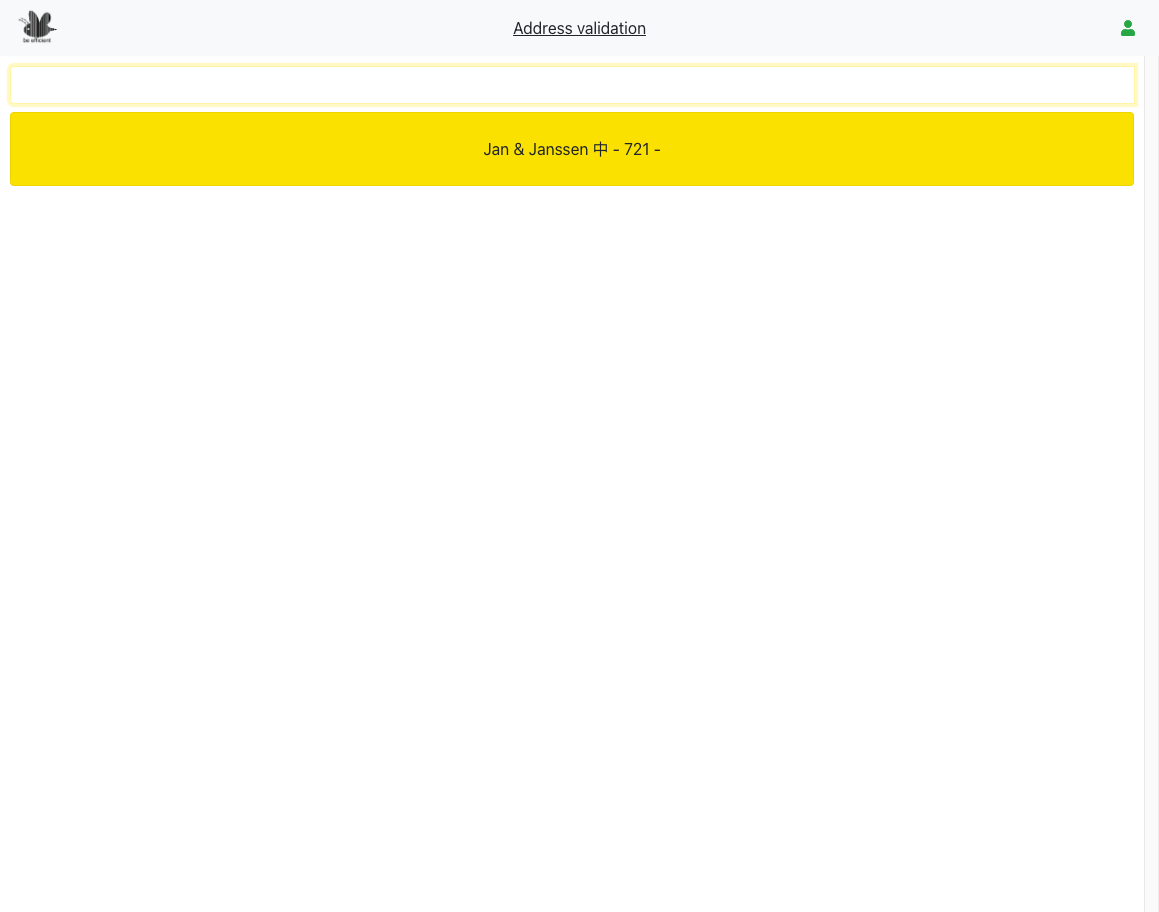
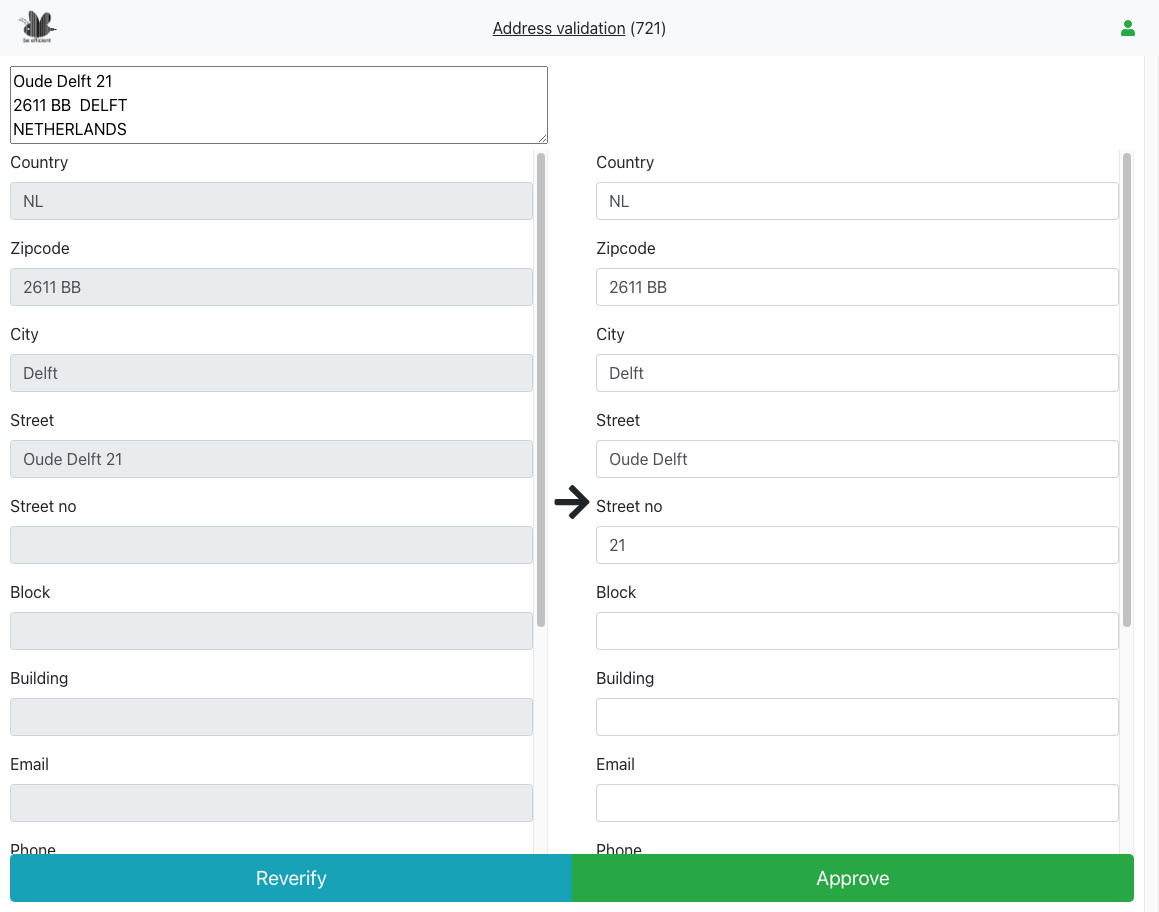
Ensure every shipment reaches the right destination with our address validation app. By automatically checking and verifying addresses before orders go out, it prevents costly delivery errors and reduces returns.
When issues are detected, they appear in a clear, user-friendly interface where you can quickly review and correct them. No more chasing down failed shipments after the fact! With real-time validation and an intuitive dashboard, you’ll ship with confidence, save time, and keep your customers happy.
Picklist generator
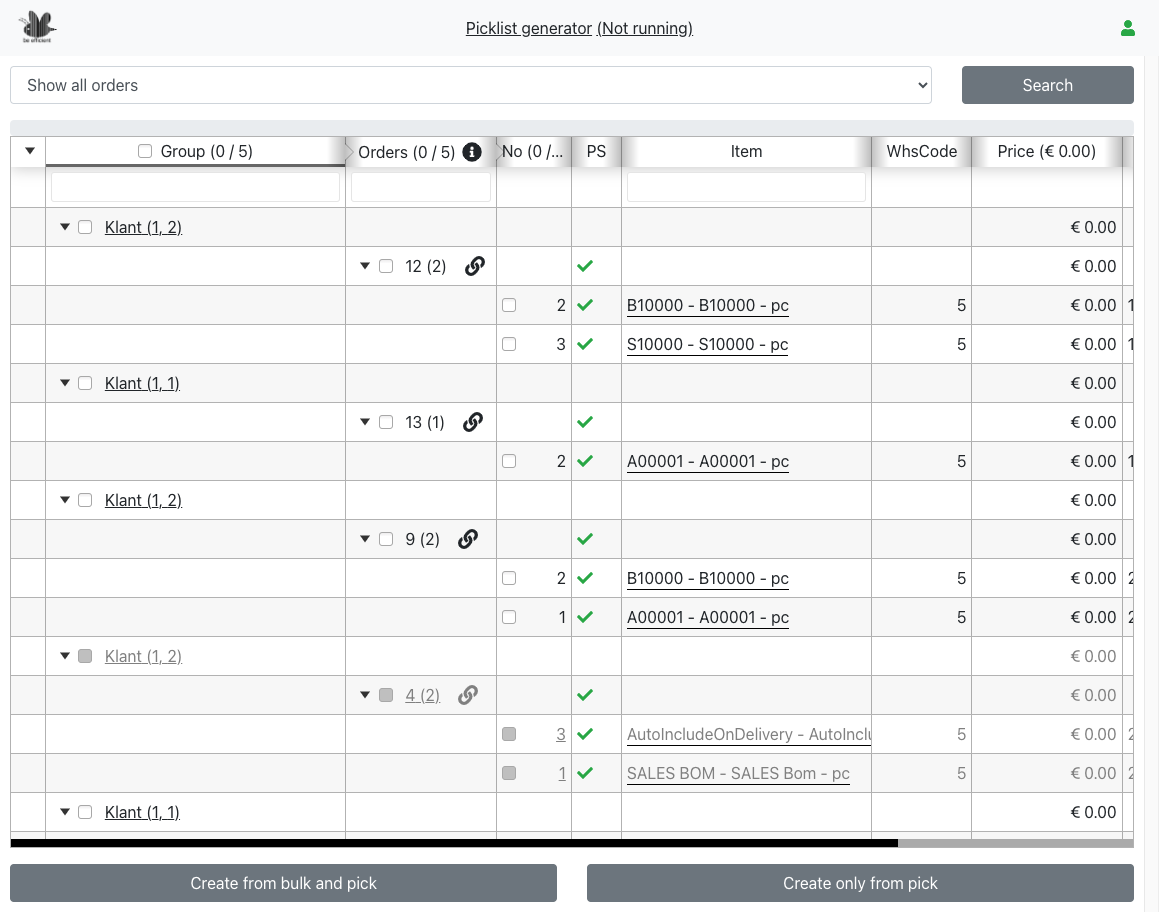
Picklists can be created in the ERP from one or more sales orders. However, if your company creates hundreds of picklists a day, we have a picklist creation tool in our suite that can assist you in making picklists according to your own business rules.
Various strategies are supported like oldest order first, optimizing to maximize sales, large orders first, etc.
This tool is not intended to be used on small hand-held devices but must be run on a desktop of the employee responsible for the picklist process.
The tool works in two steps.
First, the picklist candidates are shown on the screen.
Next, the picklist creator can select the picklists he wants to create and start the creation process.
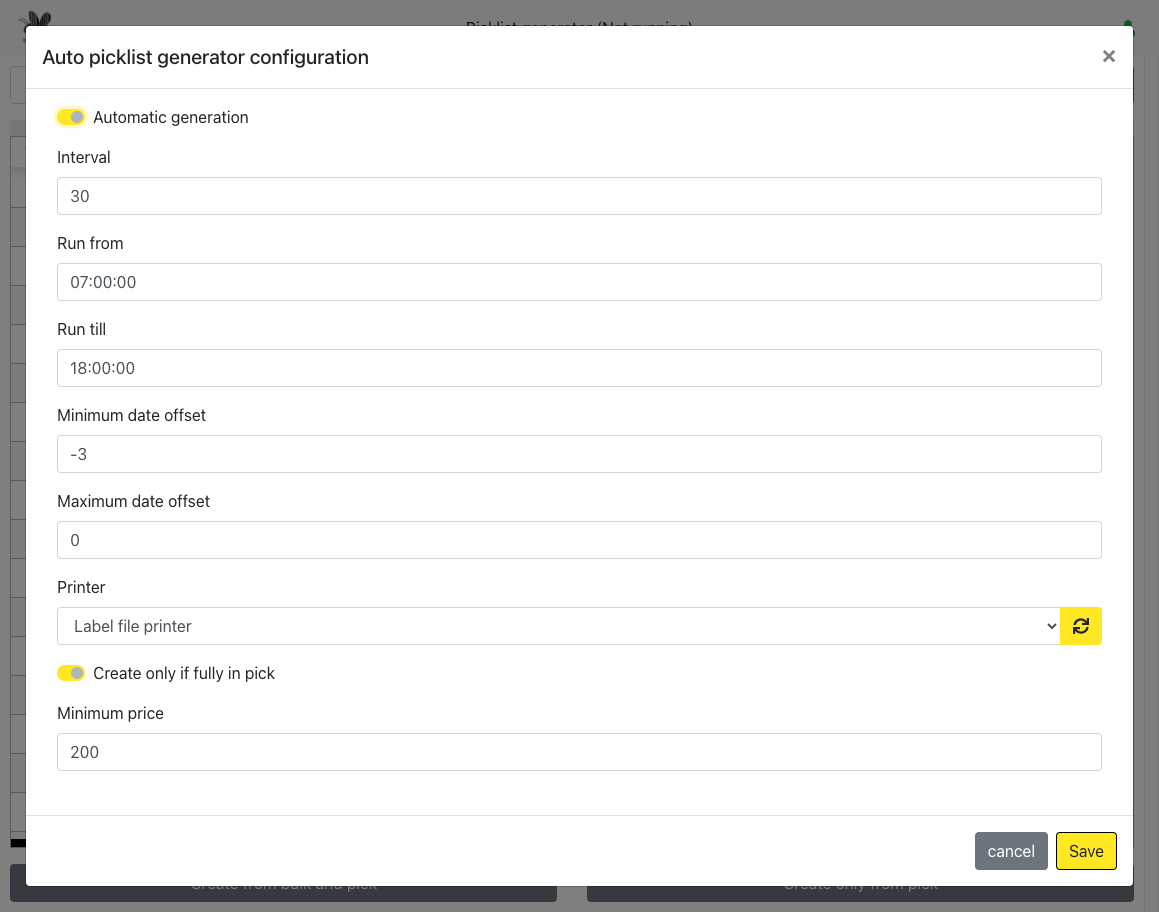
The picklist creator can run in manual or in automatic mode in which every few minutes the order pool is scanned for picklists to create.
We will do an intake to assess your business rules. After the intake we will make a quote.
When getting started with the picklist generator app we recommend a short training is for the staff that is going to operate this tool.
Picking
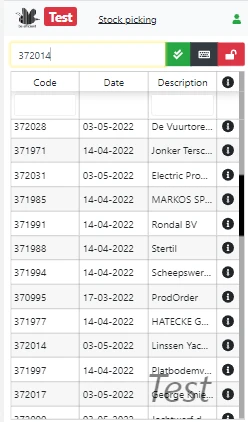
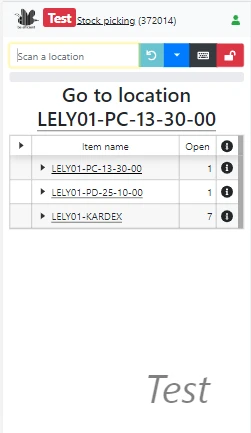
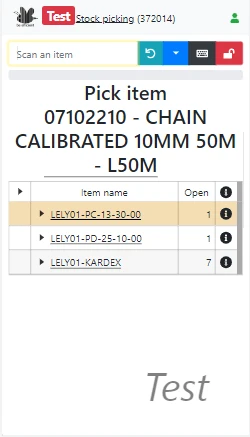
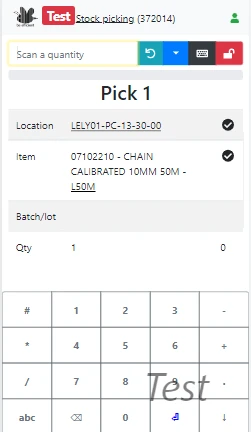
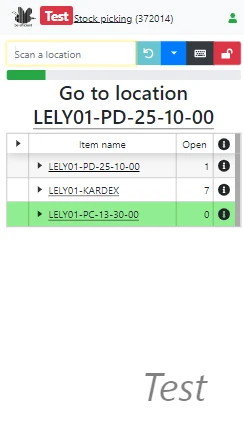
The picking application assists pickers in running their picking rounds. As soon as a picklist is created, pickers can pick it up and start picking the items from the warehouse.
Picklists can be processed by pickers, one picklist at a time or combined.
In the combined mode the picklist application will give indications that an item for the first picklist have to be placed in box A, an item for the second picklist in box B, etc.
The application is prepared to communicate with picking carts that have light indicators on or next to the bins. If an item should be put in bin B, the light for bin B will flash. If the picking action is committed, the light will turn of and the next picking transaction can start.
This application is within the standard license.
Delivery
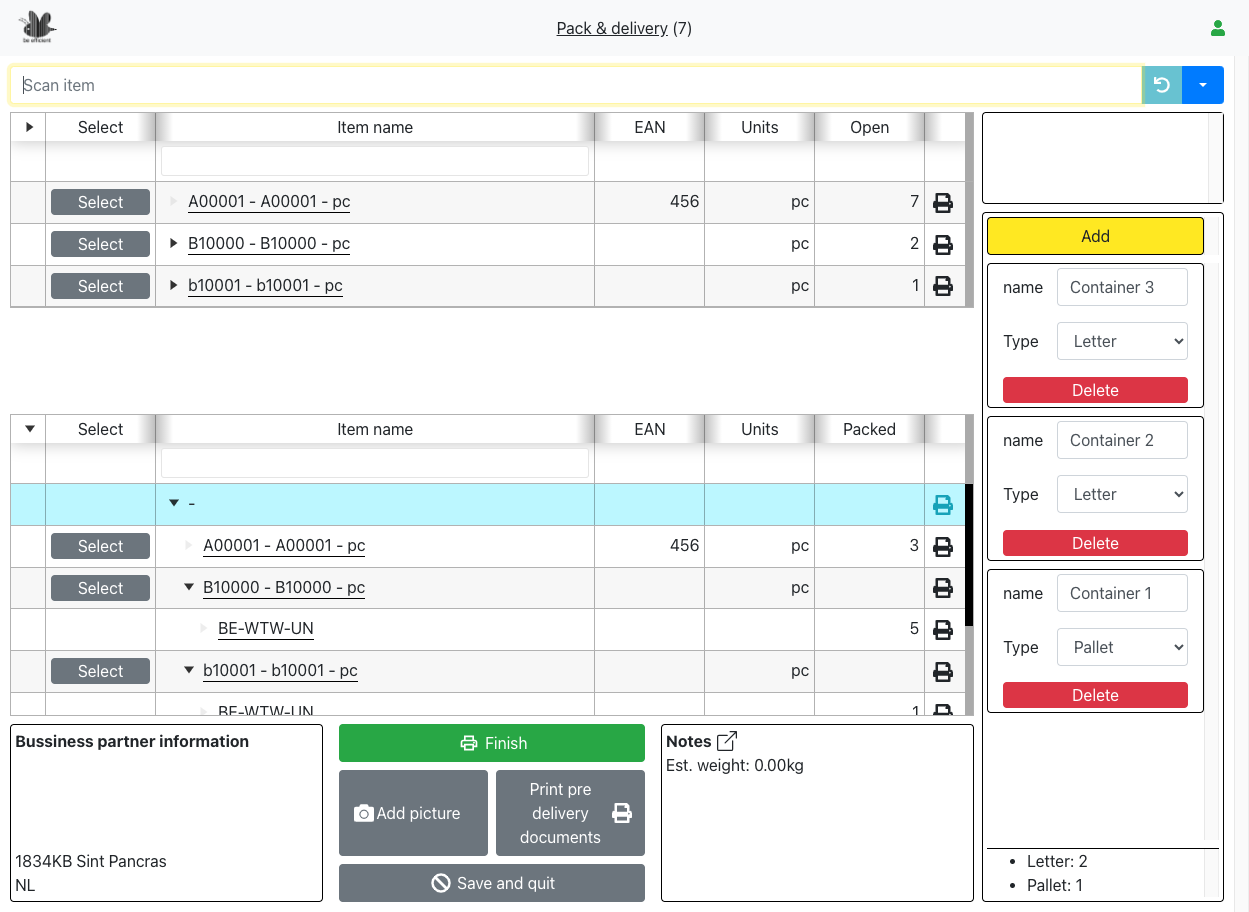
The delivery application creates deliveries based on the picklists. This application is works the best on a bigger screen like a laptop or desktop computer. Using the delivery application, quality, and quantity can be checked again to ensure that the correct items will be shipped to the customer before the items are put into the box . If the items are collected based on a printed picklist, the delivery application automatically asks for a quantity check.
Upon finishing the delivery, it is possible to submit the delivery to a postal provider and print the postal label. We have various connections with postal providers like DHL, GLS, DPD, and others.
The packaging slip (delivery note) will be printed the moment the delivery has been marked complete. Other documents like a CMR or overviews of the contents per box or pallet can also be printed.
Out-of-the-box the delivery application has quality and quantity control, but no printing and no postal provider connections. Customization of the application to match the needs defined in your business rules is possible.
We will do an intake to assess the number of functional extensions (connection to transport companies, printing documents, etc.).
On average customization will take about 2 days.
Delivery confirmation
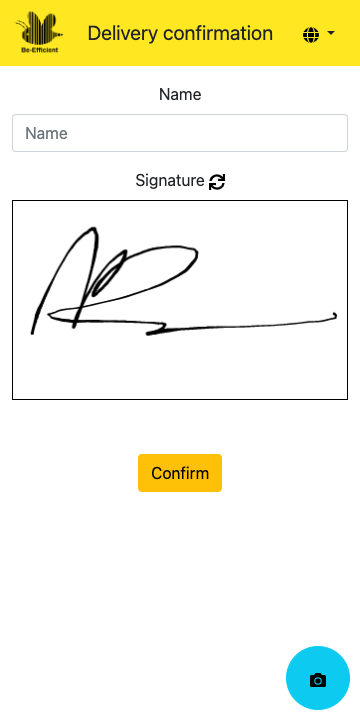
Simplify and secure your deliveries with our delivery confirmation app. At the warehouse, a unique QR code is generated for each shipment. When the recipient scans it with their phone, they are taken to a streamlined interface that prompts them to sign for the delivery instantly. This process provides real-time confirmation, reduces paperwork, and ensures accountability for every shipment. Fast, digital, and reliable, it makes receiving goods as simple as a scan and a signature.
Analytics
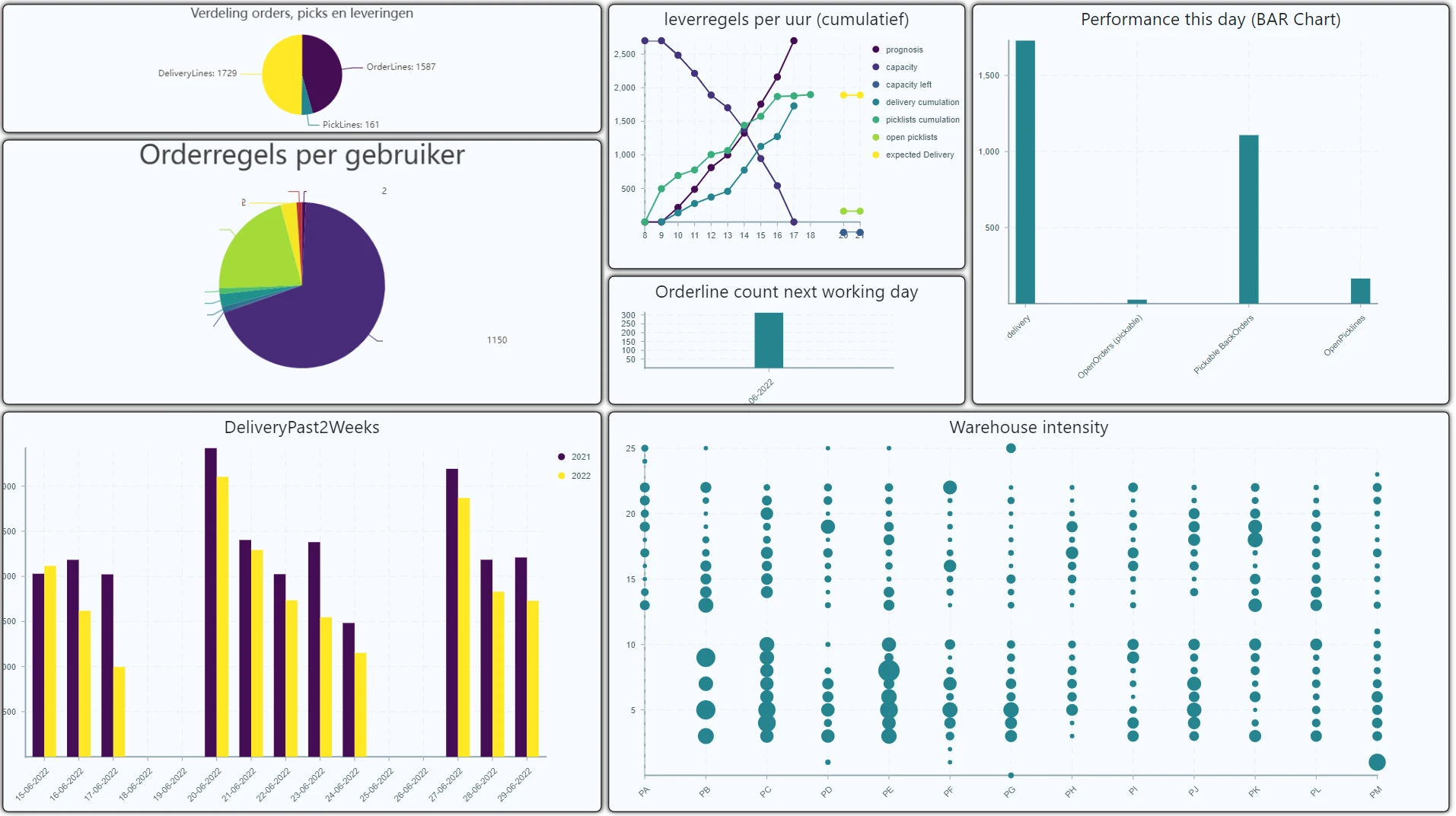
You will get a dashboard in the standard license with a couple of warehouse indicators showing things like the number of open picklists; the number of sales orders to be delivered today; the number of deliveries made today; the number of deliveries this year compared to the previous year and the number of stock transfers and replenishment actions per reachtruck driver.
If these graphs are not enough, a KPI designer is available with which you can make your own graphs, representing your KPIs or business rules.
This application is within the standard license. However, creating graphs might be difficult if you are missing basic SQL knowledge. We can create a basic dashboard with your KPIs in one or two days.
Task manager
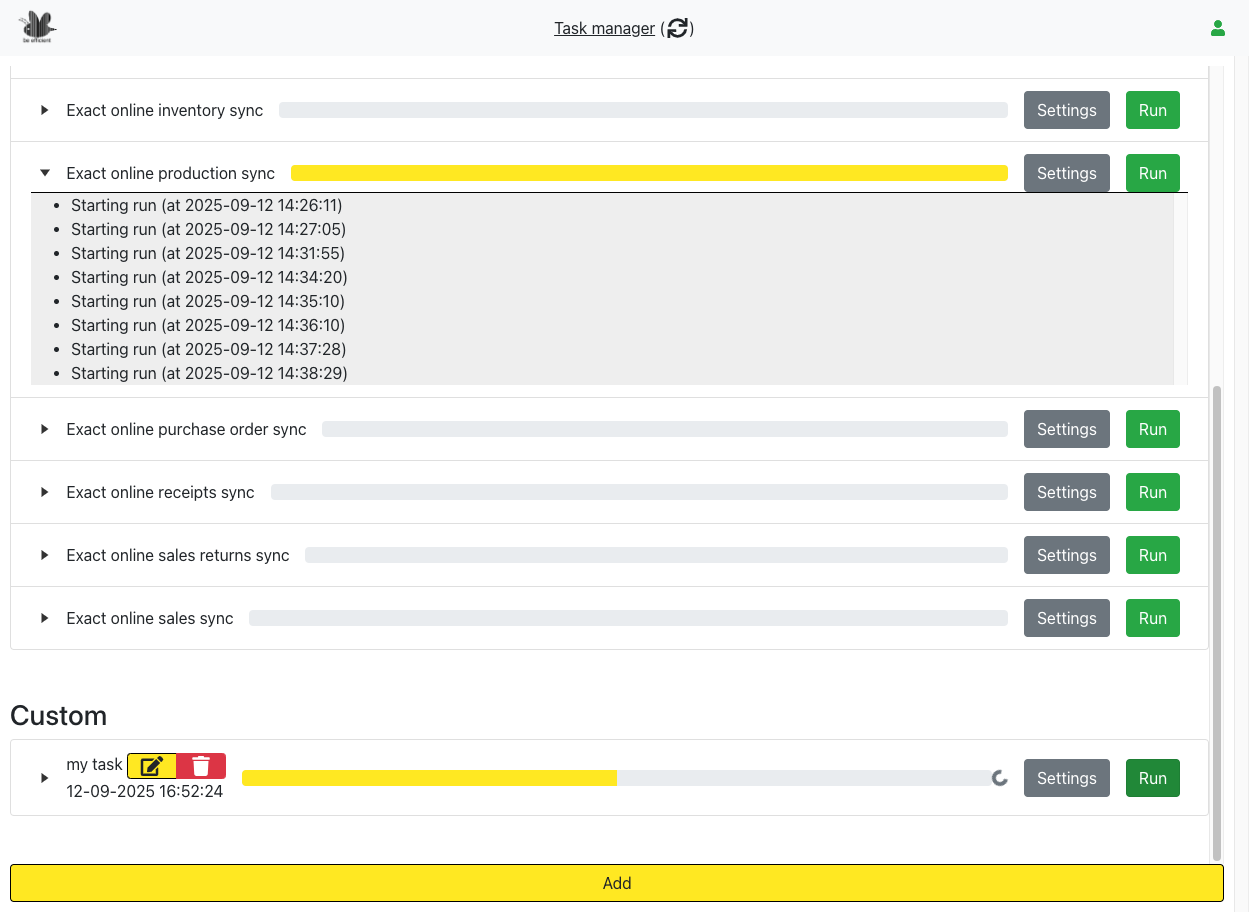
Keep your scheduled tasks under control with our intuitive cronjob management app. Instead of juggling scripts in the dark you get a clear real-time overview of all your jobs—complete with progress tracking, detailed log messages, and instant visibility into what’s running and what’s not.
Need flexibility? You can script your own tasks directly in the app and monitor them just as easily. Whether you’re managing a few automated processes or a complex schedule of jobs, our app turns cron into a transparent, reliable, and easy-to-use system.
Reporter
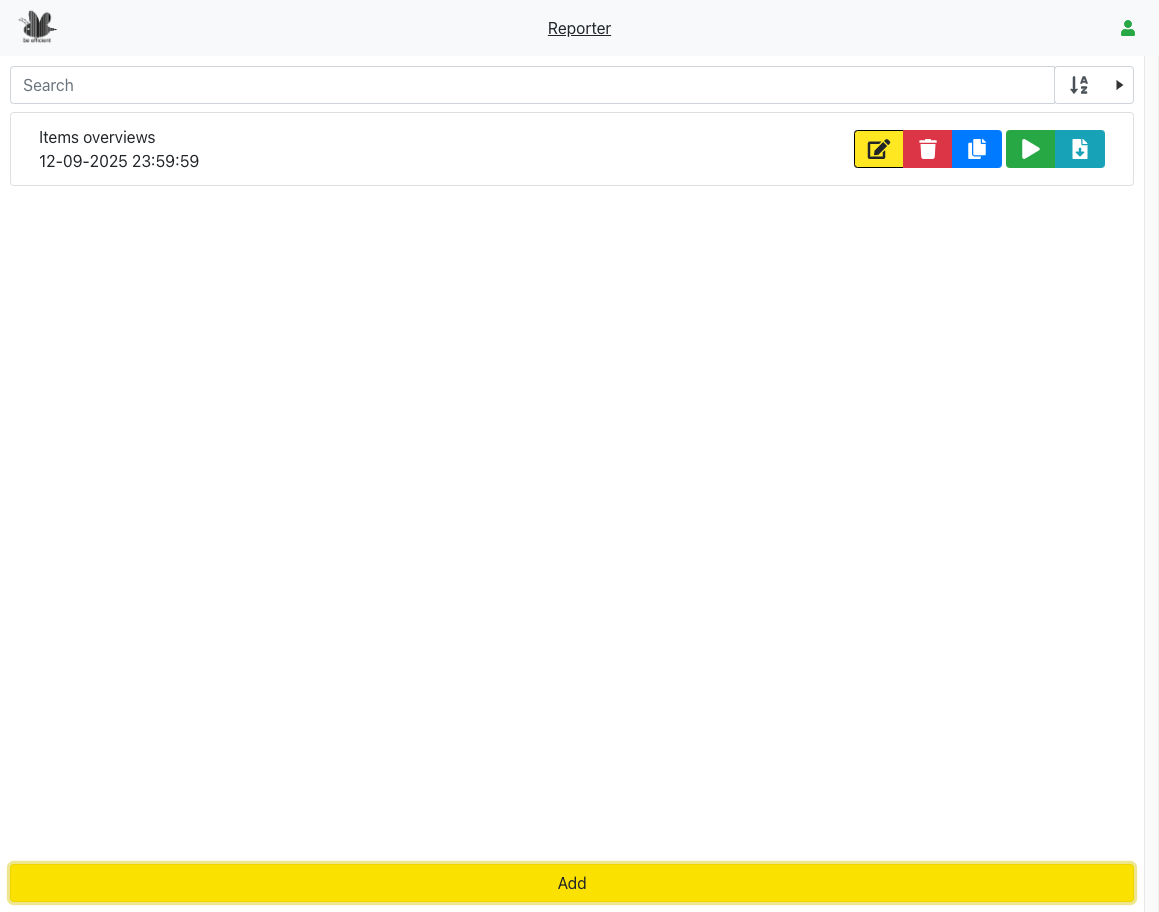
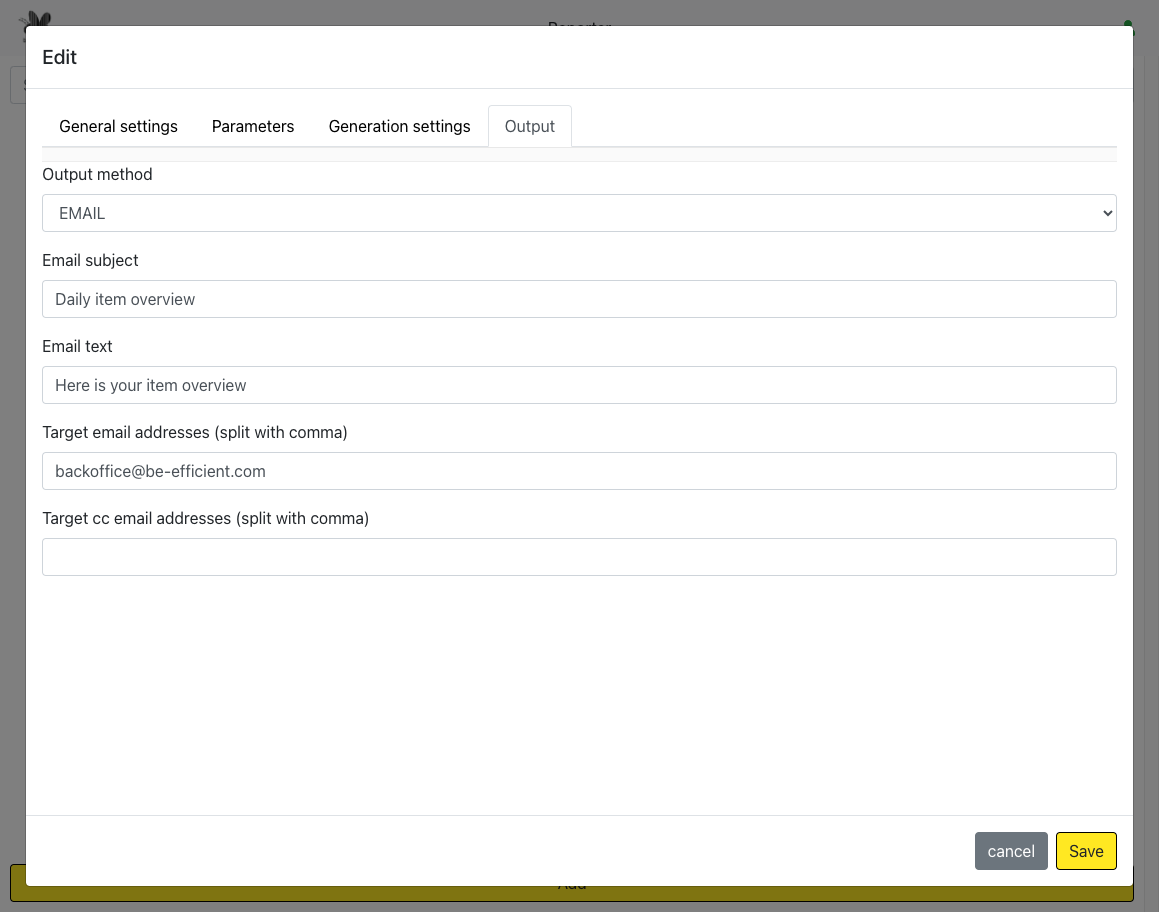
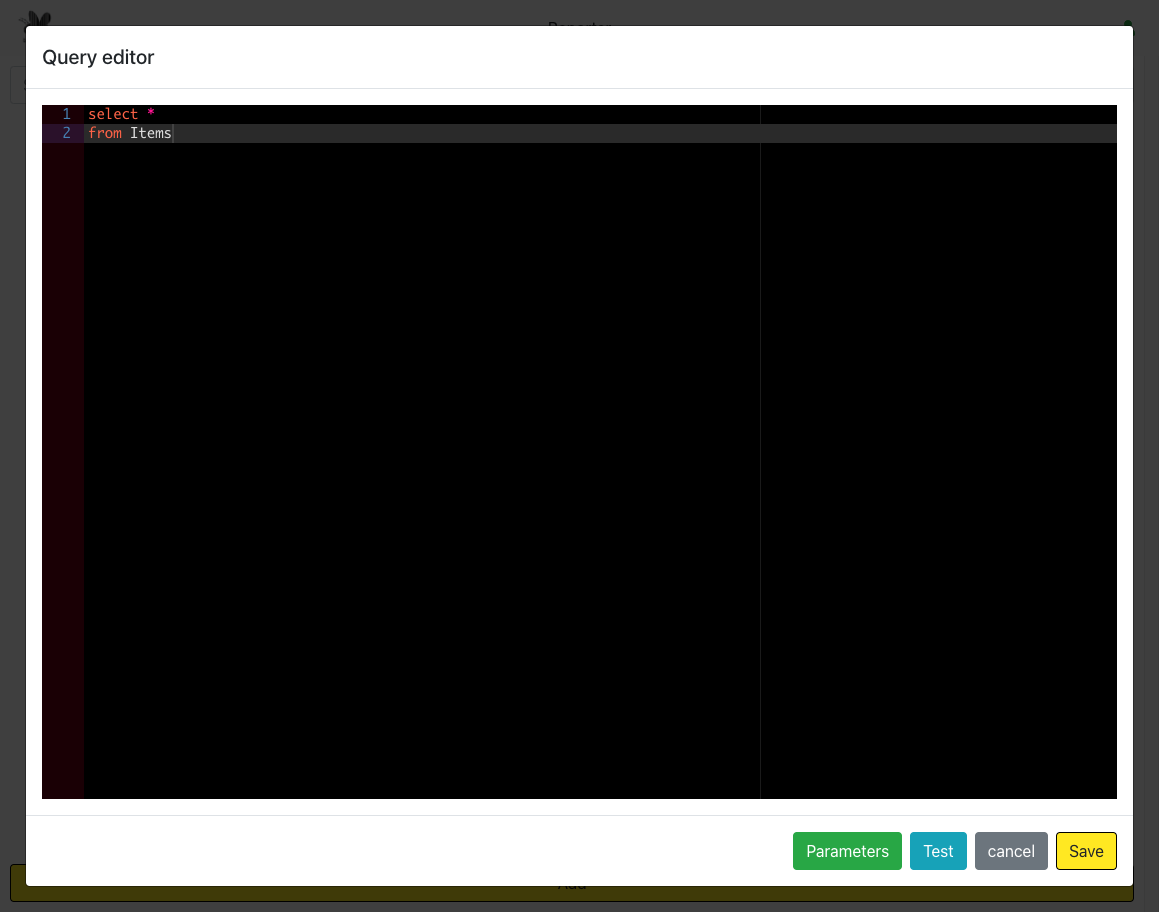
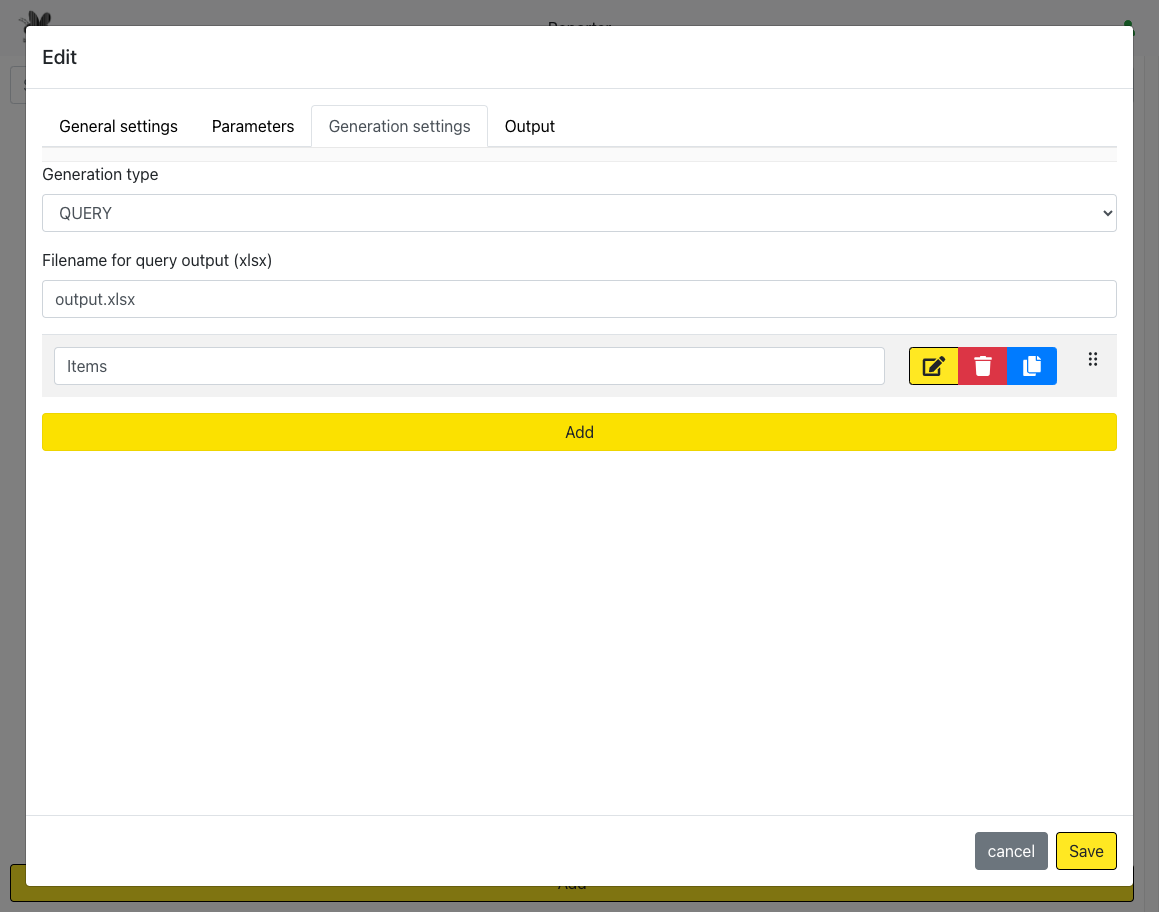
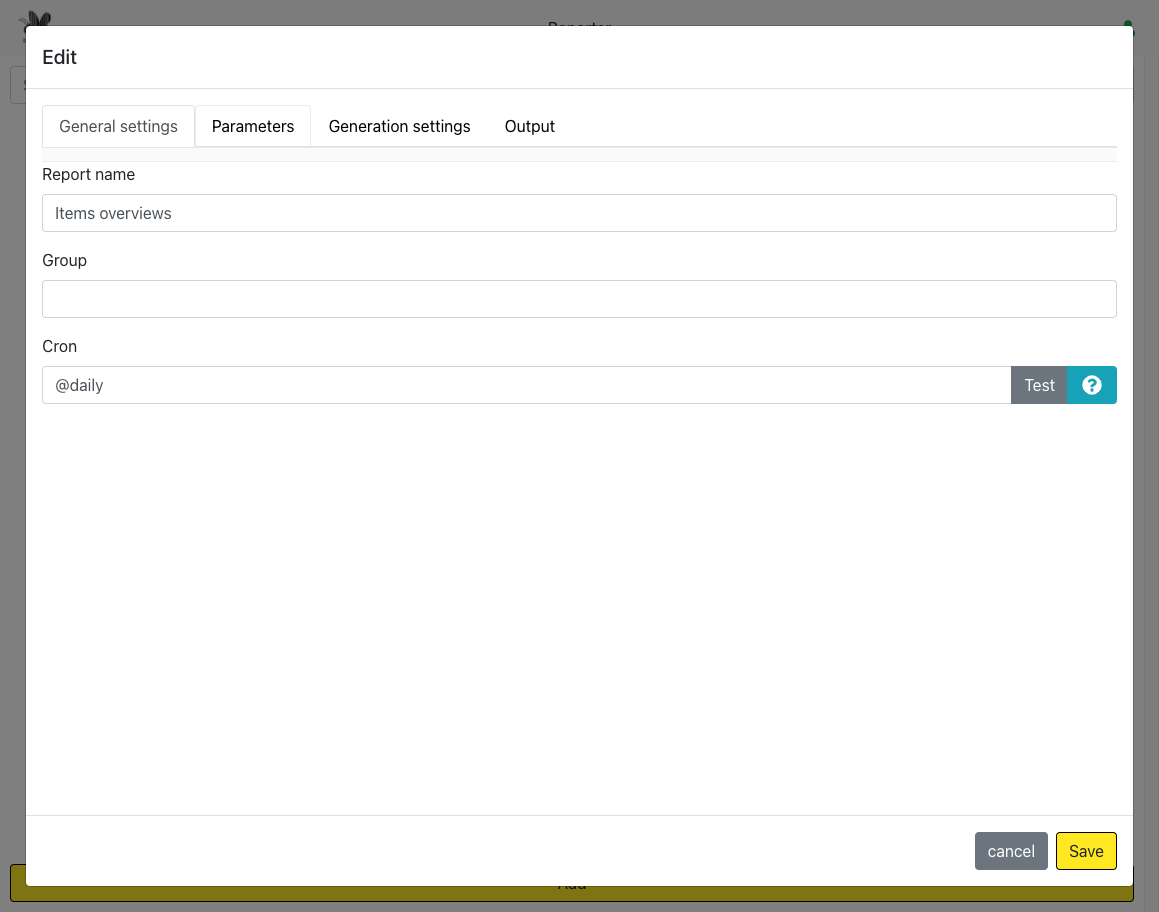
Tired of running the same reports manually? Our app automates your data workflow by letting you define custom queries and schedule them with flexible cron-based rules. At each scheduled run, the app executes your queries, compiles the results into a neatly formatted Excel sheet, and delivers it straight to your inbox—no clicks required.
Whether it’s daily sales reports, weekly performance dashboards, or monthly compliance checks, you’ll always have the insights you need, exactly when you need them. Stay focused on decisions, not data prep.
REST API builder
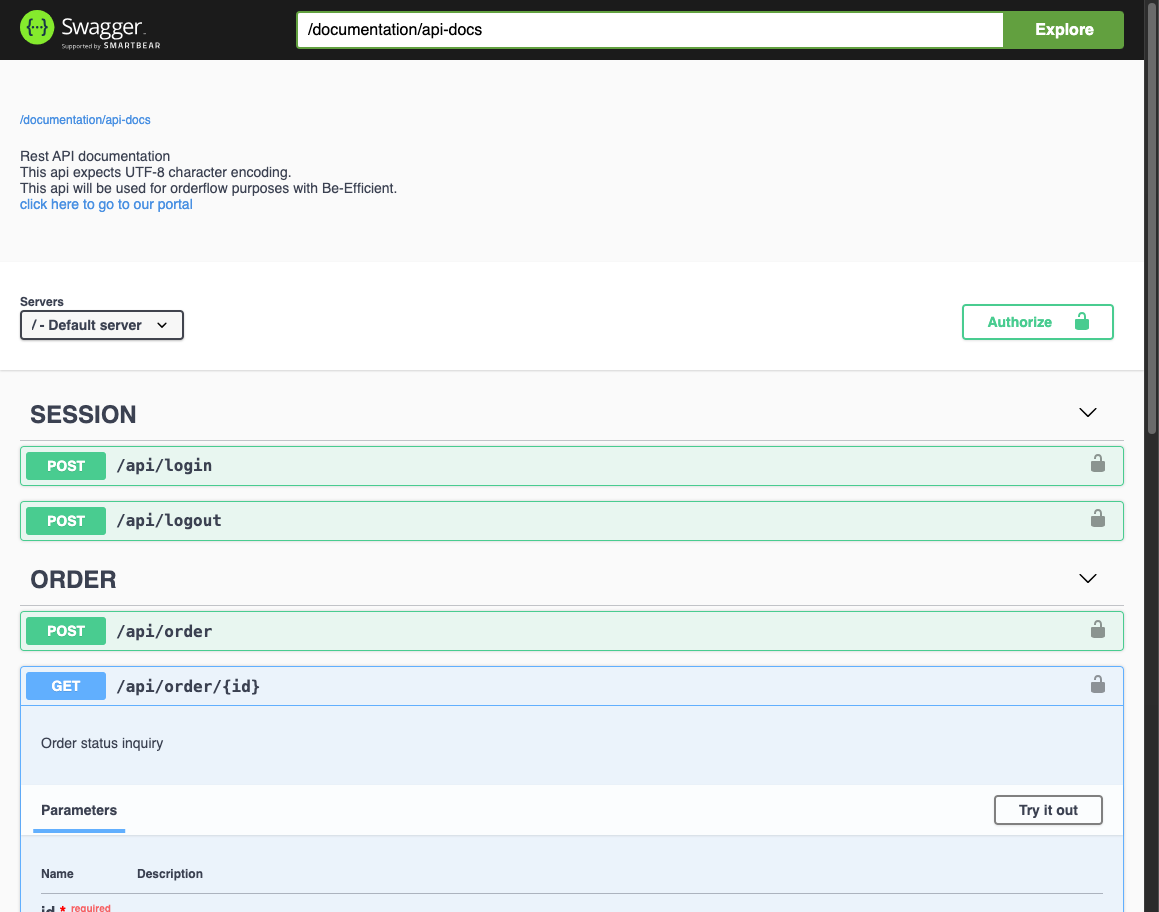
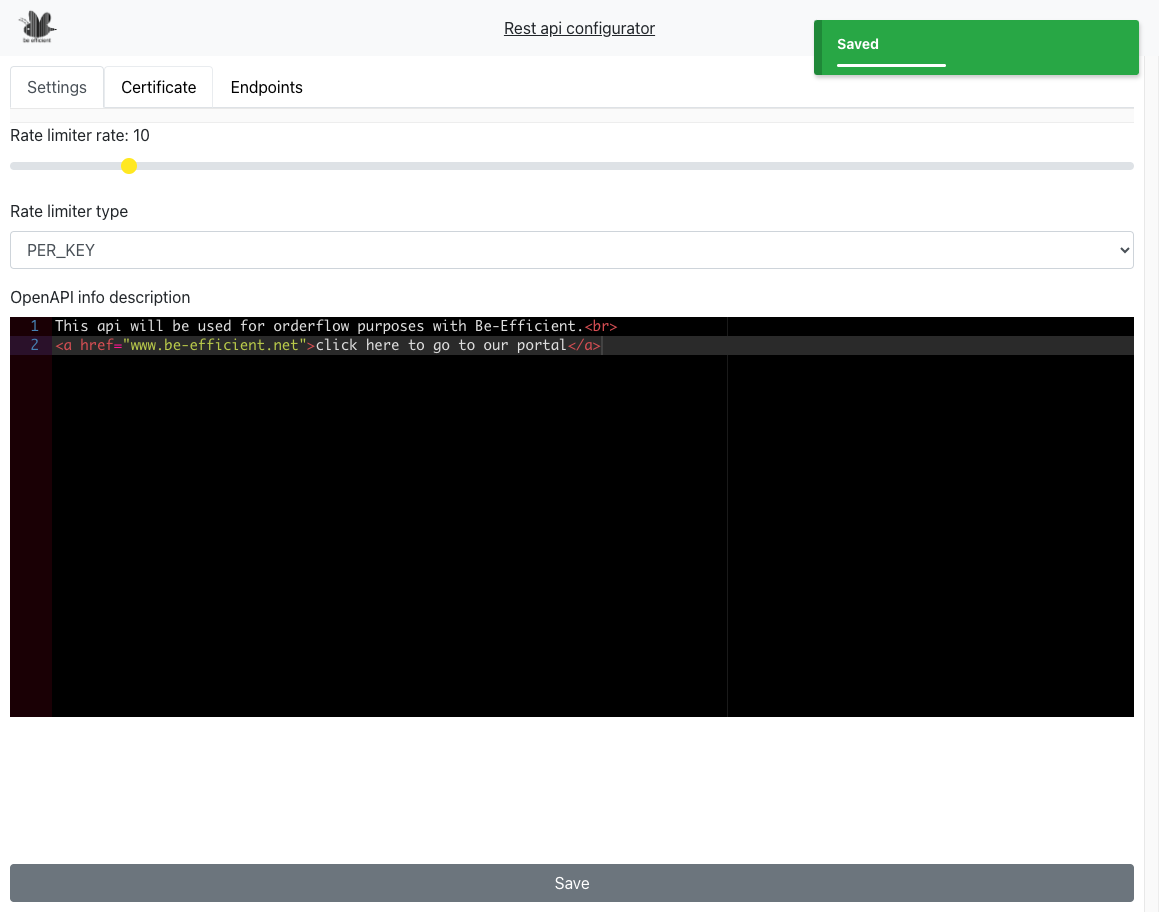
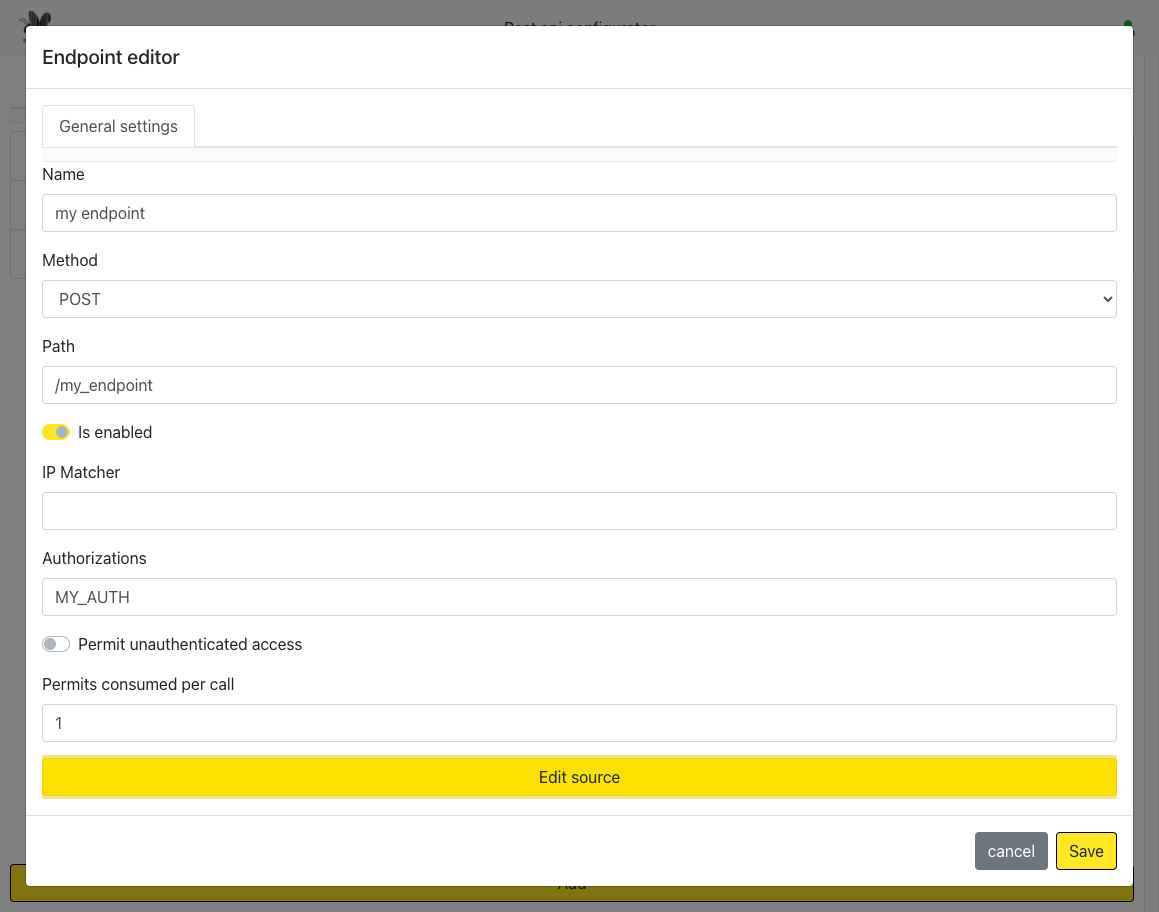
Give your customers a powerful way to push orders directly into their systems—fast, secure, and fully automated. With our custom REST API builder, you can design endpoints that fit your workflows, control exactly who gets access, and automatically provide a Swagger UI so your customers can test and integrate with ease.
No more manual uploads or clunky processes—your customers get a smooth, real-time order pipeline, while you maintain full visibility and control. It’s the simplest way to modernize order handling and strengthen long-term customer relationships.
This tool is separately priced. Ask us for a quote.
Configure the WMS
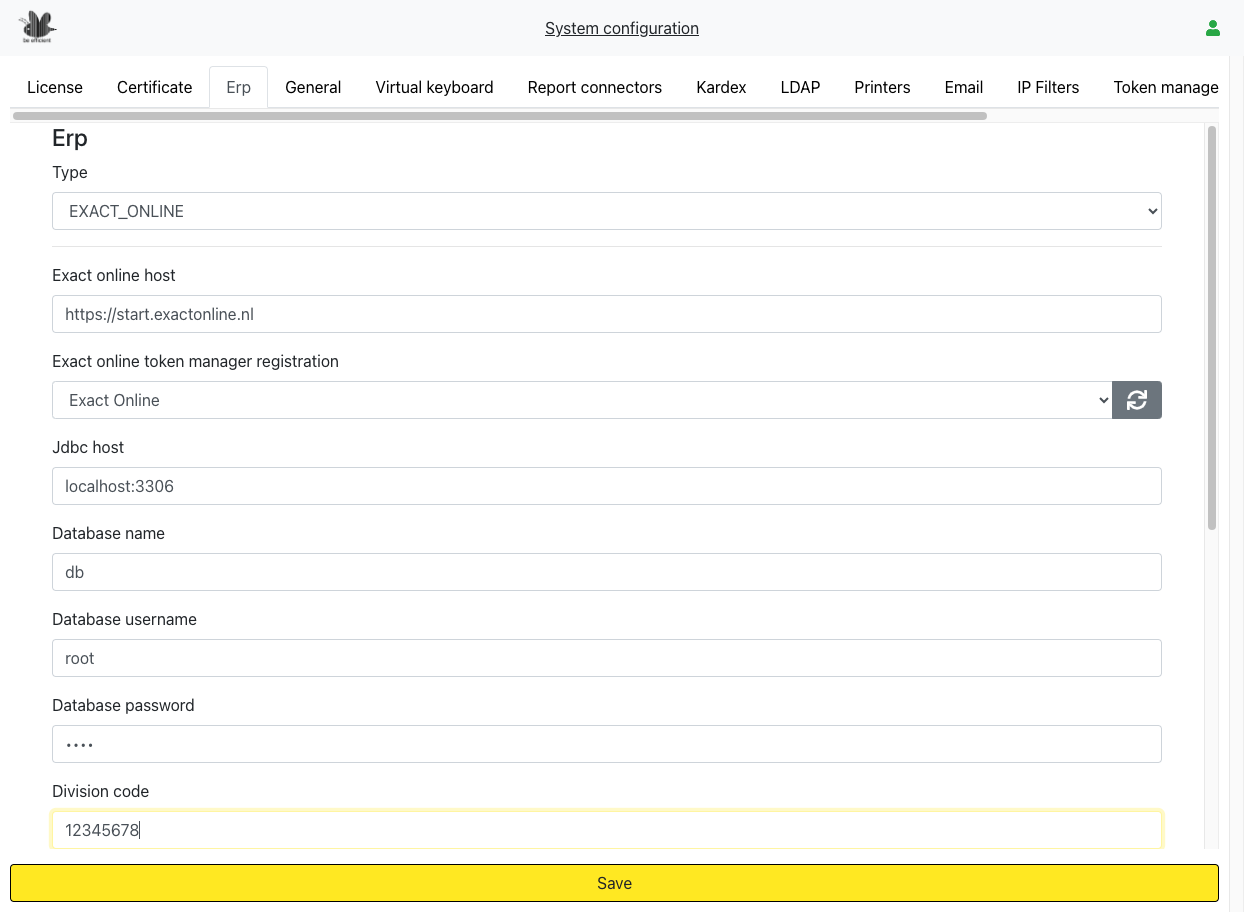
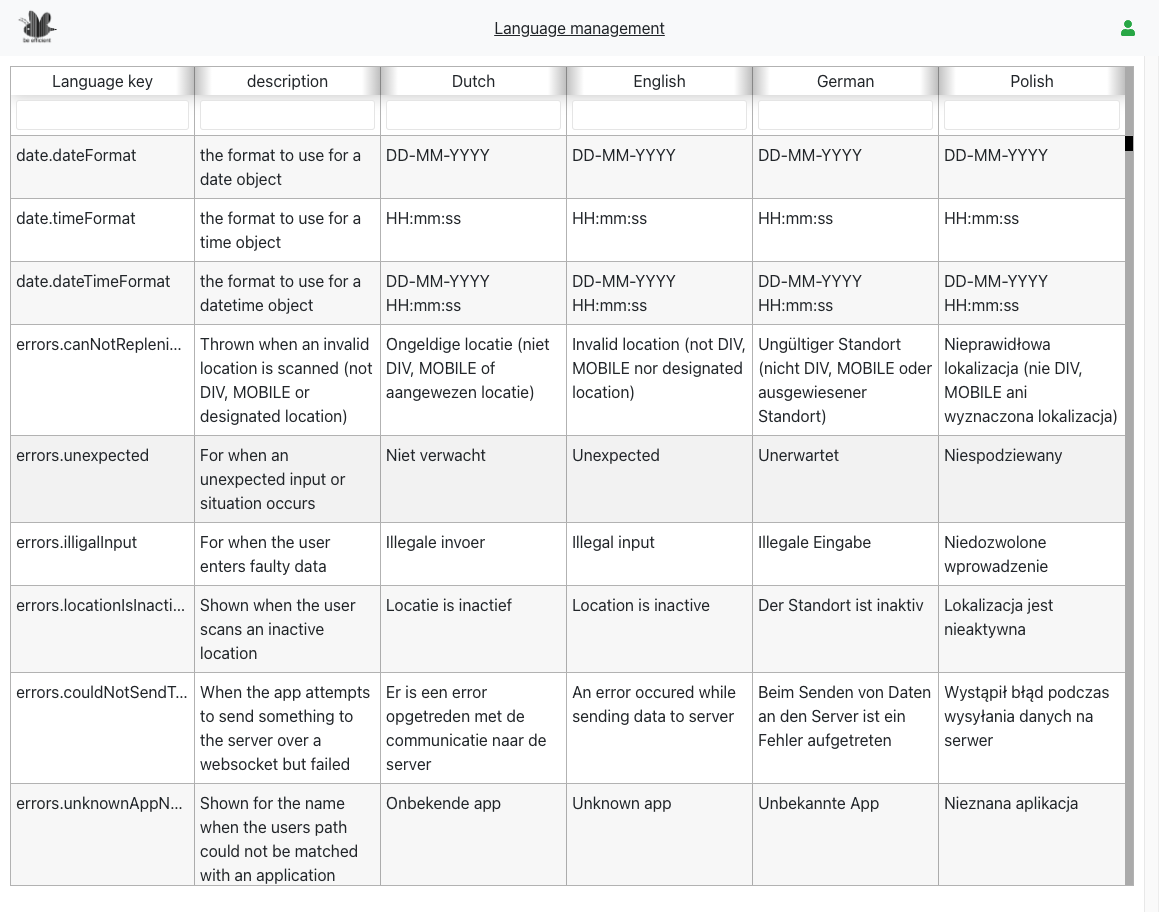
There are various ways to configure the WMS application.
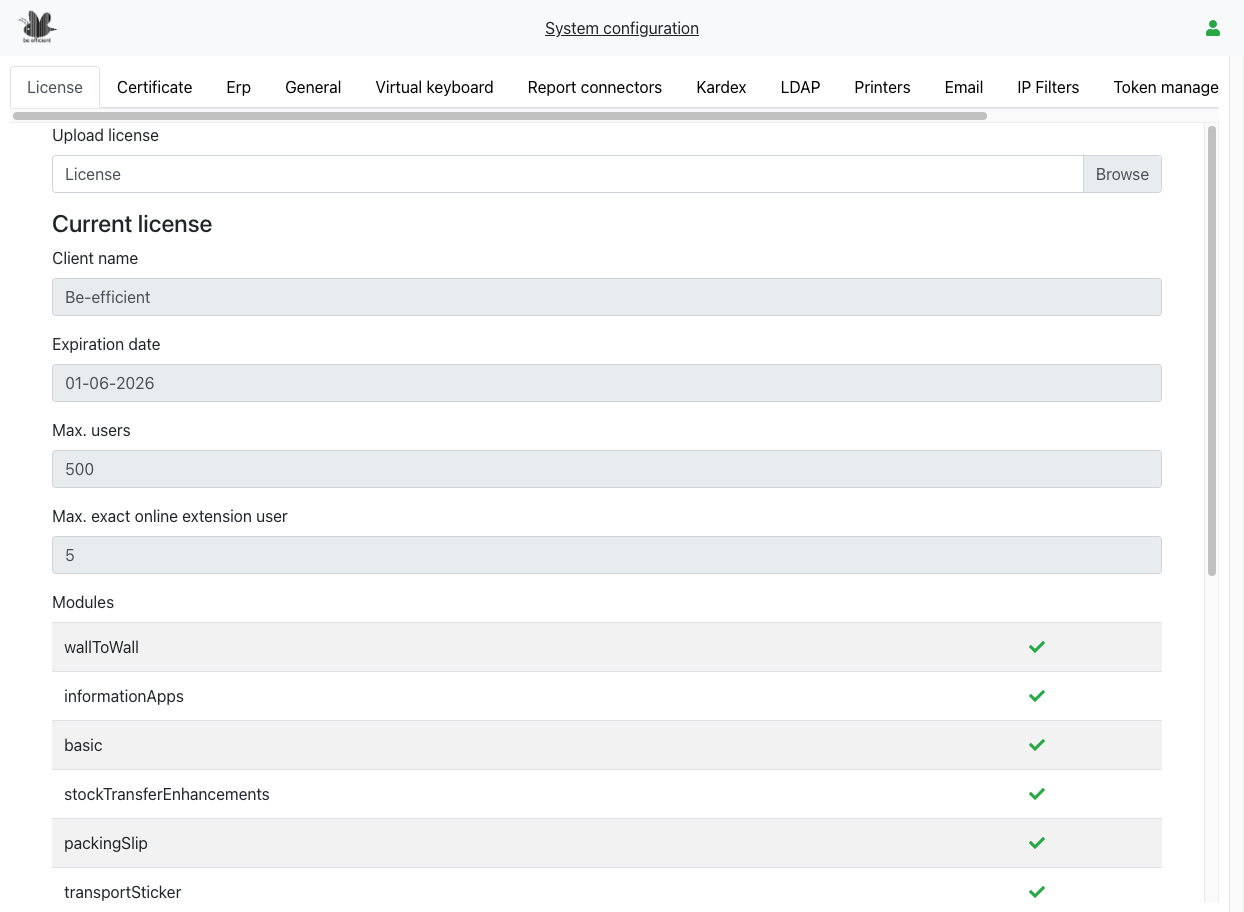
The most important one is of course the connection to your ERP.
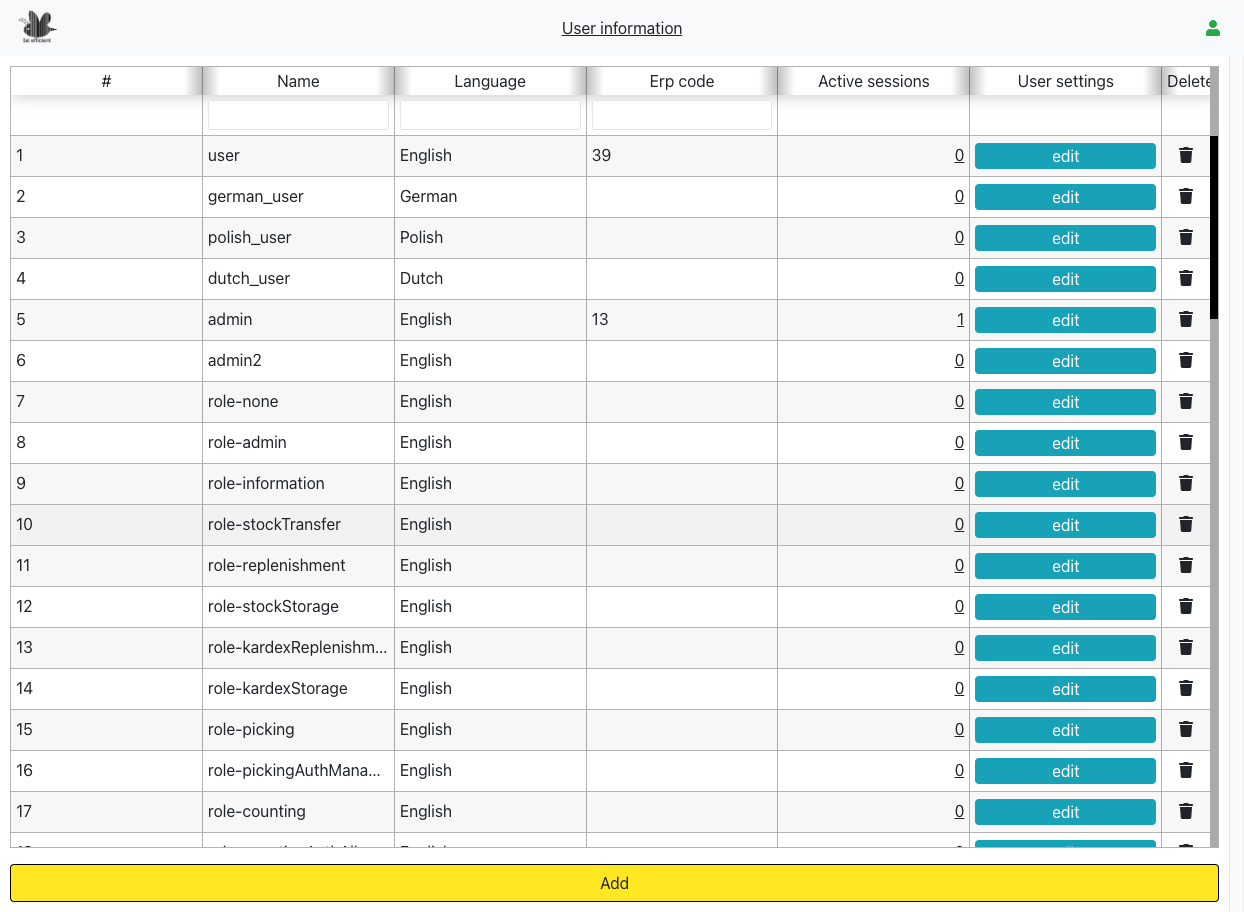
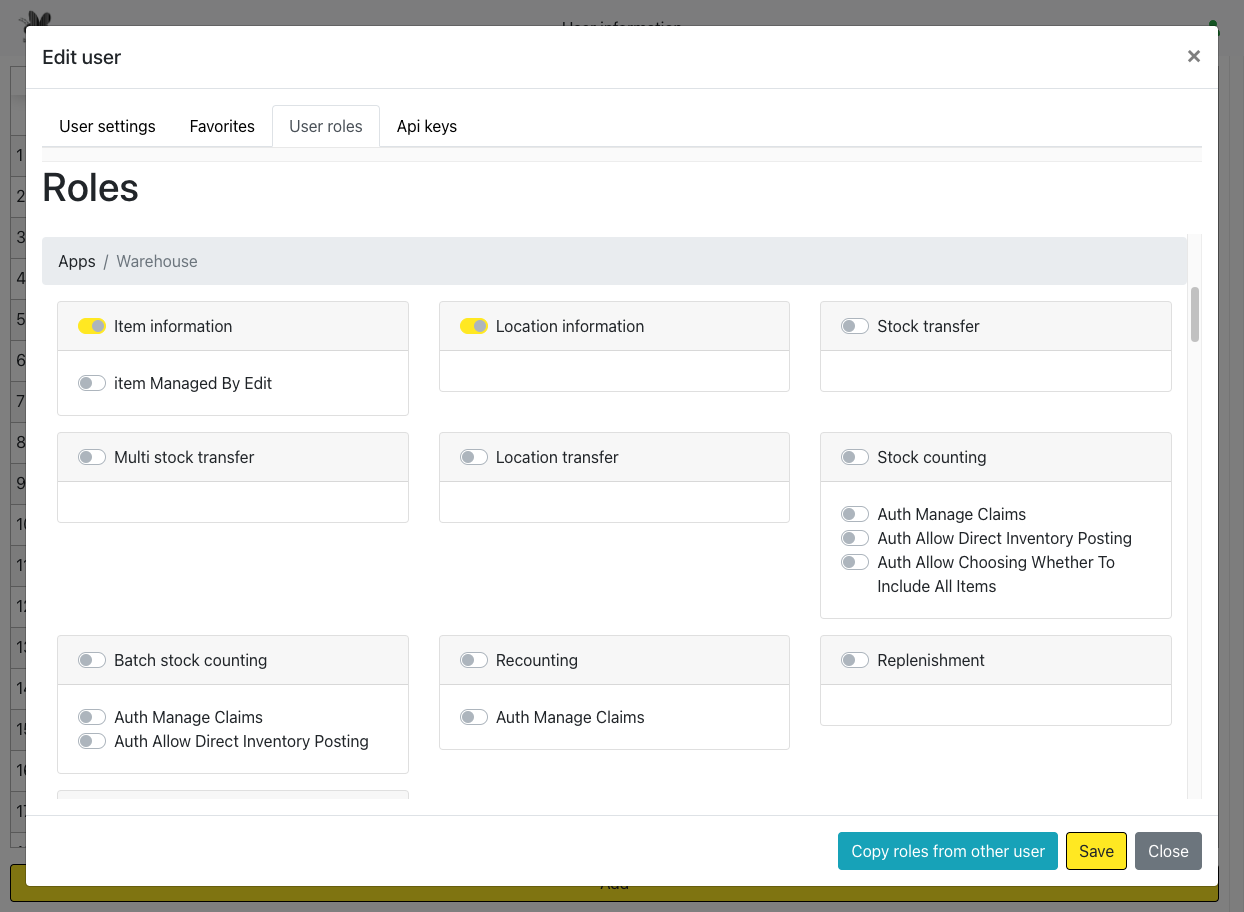
In the configuration tabs, you can find various settings to configure the rights your users have in the application. Some users may only pick, and other users may only receive goods.
With our user configuration page, you can exactly define which user is allowed do what.
And so much more…
Our software has so much more functionality than is shown above, contact us for a complete overview of the system.